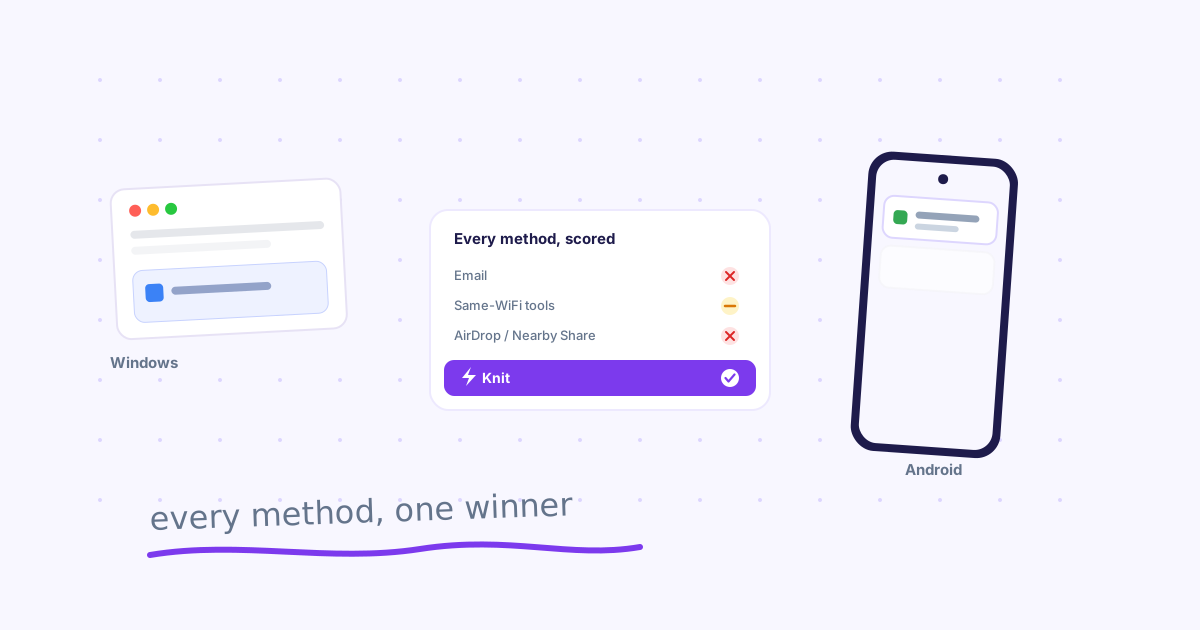
TL;DR: Email, cloud storage, USB, AirDrop, and local-network tools like LocalSend were compared on cross-platform support, network requirements, and setup effort. AirDrop and Nearby Share are ecosystem-locked; LocalSend needs shared WiFi; cloud storage adds sync overhead for a quick handoff. Knit is the option that's both fully cross-platform and network-independent.
Your files don't live on one device, and neither do you. A Windows desktop at the office, a MacBook at home, an Android phone, an iPad you actually use — cross-platform is just how computing works now.
The problem is that most "easy" file-sharing options quietly assume you're staying inside one ecosystem. The moment you cross from Windows to iPhone, or Android to Mac, half the shortcuts stop working.
We tested every common method people actually use — not just the ones vendors market — and rated them on what matters: does it work across platforms, does it need matching networks, and how much setup does it cost you.
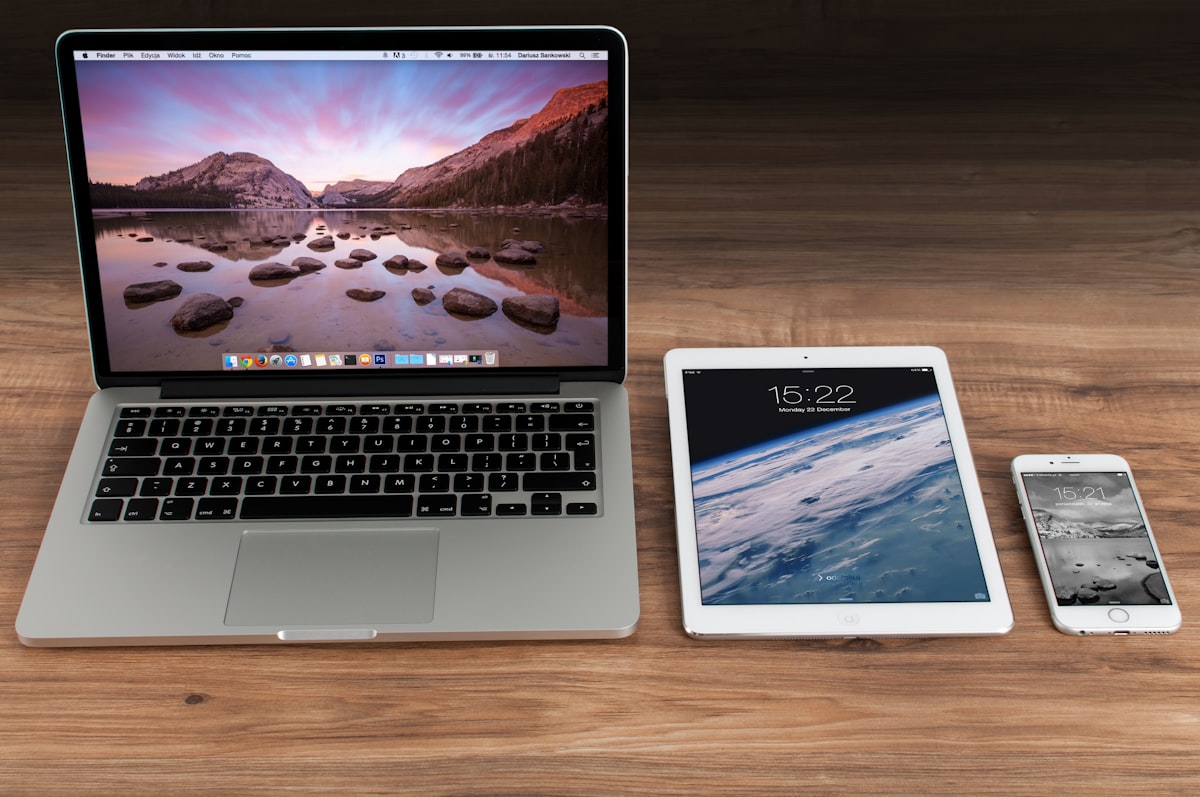
Photo by Firmbee.com on Unsplash
Email attachments
Email is the one thing that works on literally every device ever made, which is why it refuses to die.
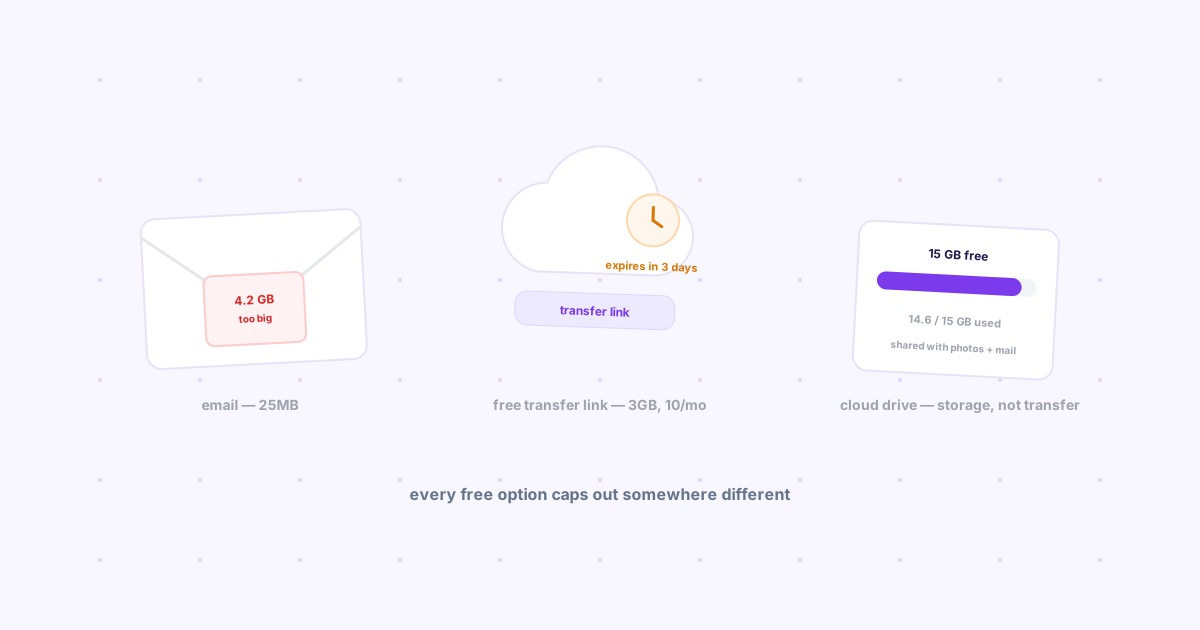
The catch: most providers cap attachments around 25MB, so anything bigger forces you into a separate cloud-link workaround anyway. Files also get buried in your inbox within days, and there's no real search once you've forgotten what you named it.
Email is fine for a one-off PDF to someone else. It's a bad system for moving your own files between your own devices — you end up scrolling through "sent to self" clutter to find anything.
Cloud storage (Google Drive, Dropbox, OneDrive)
Genuinely cross-platform — apps exist for Windows, Mac, iOS, and Android, and version history is a real advantage for documents you're actively editing.
The catch: you're managing a folder structure, not sending a file. Every device needs the app installed and signed in, sync can lag by a minute or more on a fresh upload, and sharing a single file usually means generating a link, copying it, and sending that link somewhere else anyway — which is a second step most people forget they're doing.
Cloud storage is the right tool when a file needs to persist and be edited. It's overkill when you just need to hand one file to your other device, once.
USB and physical transfer
No internet, no account, no syncing — a USB drive genuinely can't be beaten for raw reliability.
The catch: it's not cross-platform in the way that matters here, because it requires you to physically be in the same room as both devices, and modern phones increasingly ship without a USB-A port at all. It also does nothing for the actual common case: getting a link or file to a device that's in a different location.
AirDrop and Nearby Share
Apple's AirDrop and Android's Nearby Share are both fast and genuinely one-click — inside their own ecosystem.
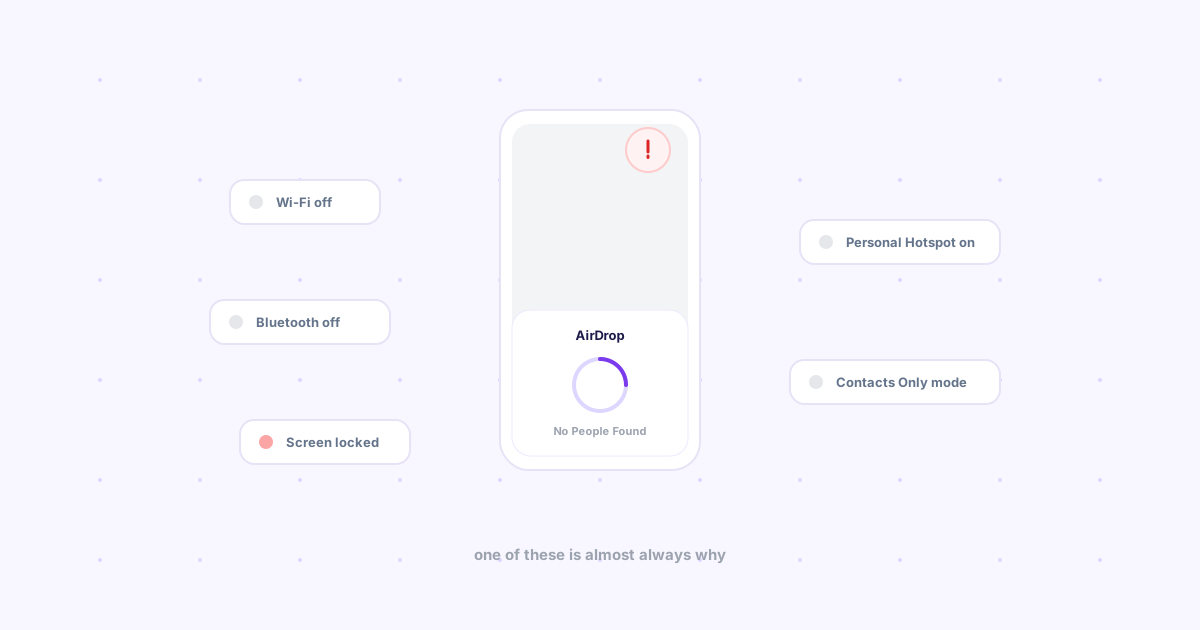
The catch: this is the whole problem. AirDrop only talks to other Apple devices; Nearby Share only talks to other Android/Chrome devices. The instant your two devices are different platforms — a Windows laptop and an iPhone, say — neither tool works at all. Bluetooth flakiness and "device not found" errors are common even within the same ecosystem.
Local network tools (LocalSend, KDE Connect, Snapdrop)
This is the category that actually solves cross-platform properly. LocalSend, KDE Connect, and Snapdrop are open-source, free, and work across Windows, Mac, Linux, iOS, and Android without exception.
The catch: every one of them requires both devices on the same WiFi network. That's fine at home. It falls apart the moment you're sending something from your office desktop to your phone on mobile data, or connecting on hotel or coffee-shop WiFi that isolates clients from each other by design — which is increasingly the default on public networks.
For a deeper look at when local-network tools work and when they don't, see our full breakdown of transferring files over a local network — and if open source matters to you, our honest review of 7 open source file sharing tools.
Messaging apps as a clipboard
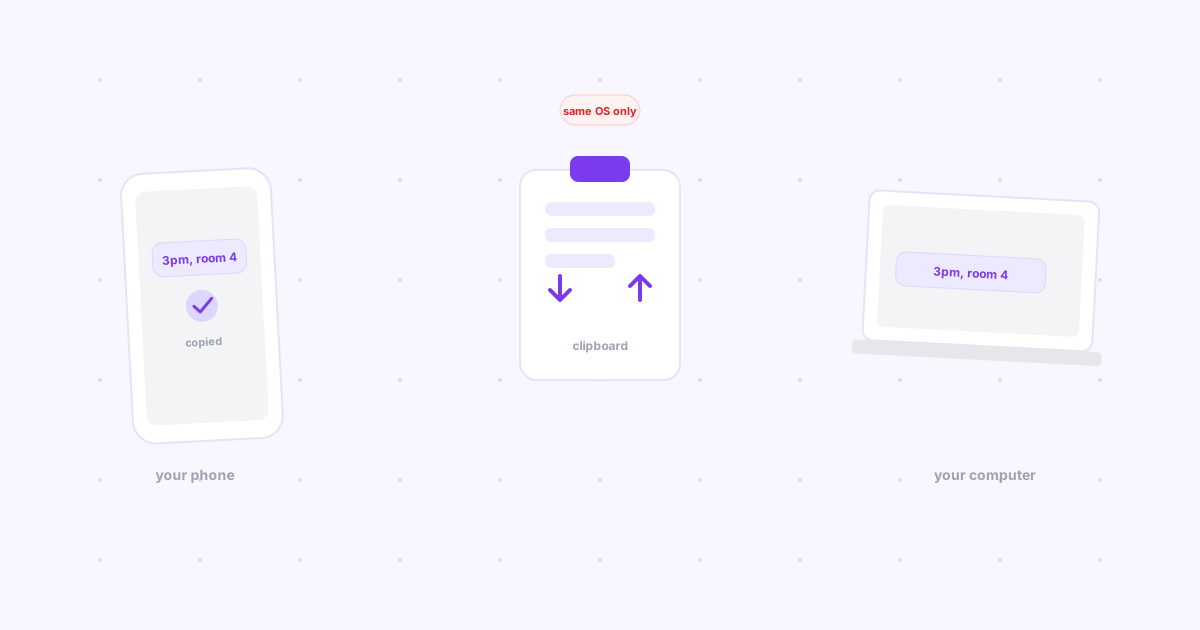
WhatsApp, Telegram's "Saved Messages," or a Slack DM to yourself are instant and genuinely cross-platform.
The catch: you're repurposing a chat log as file storage. Anything you send is buried under real conversations within minutes, there's no tagging or expiry, and searching through a saved-messages thread from six weeks ago to find one file is its own kind of chore.
A dedicated cross-device tool (Knit)
Knit is built specifically for the gap every method above leaves open: getting a link or file to your other device, instantly, regardless of platform or network.
It works from any browser via a Chrome extension, syncs over the internet rather than requiring shared WiFi, and the same account carries across web, mobile browser, and the extension. No folder to manage, no app pairing dance, no ecosystem lock-in. If your files are design exports rather than general documents, see how this plays out for designers handing off assets between devices specifically.
Every method, side by side
| Method | Cross-platform? | Needs same WiFi? | Setup effort |
|---|---|---|---|
| Yes | No | None | |
| Cloud storage | Yes | No | Account + app on both devices |
| USB drive | No (same room only) | N/A | None, but physical |
| AirDrop / Nearby Share | No (ecosystem-locked) | No | None |
| LocalSend / KDE Connect | Yes | Yes | App on both devices |
| Messaging apps | Yes | No | Existing app |
| Knit | Yes | No | Sign in once |
Frequently asked questions
What's the fastest cross-platform file sharing method?
For a single link or small file between your own devices, a dedicated tool like Knit or a local-network app like LocalSend is fastest — both are built for the one-click case, unlike email or cloud storage, which add extra steps.
Is cloud storage actually cross-platform?
Yes — Google Drive, Dropbox, and OneDrive all have apps on every major platform. The trade-off isn't compatibility, it's overhead: you're managing persistent storage, not doing a quick handoff.
Do LocalSend and KDE Connect need the same WiFi network?
Yes, all of the local-network tools (LocalSend, KDE Connect, Snapdrop) require both devices to be on the same network to discover each other. They stop working the instant one device is on mobile data or a different WiFi network.
The bottom line
There's no single "best" method — there's a best method for what you're actually doing. Persisting a document: cloud storage. Both devices on your home WiFi: LocalSend. Everything else — a quick link or file, any platform, any network — that's the gap Knit was built to close.