TL;DR: WeTransfer's free tier and temporary drop services like file.io need no account on either end, but links expire in days or after a single download. Google Drive and Dropbox links need an account only from the sender. Knit trades a one-time Google sign-in for a permanent connection between your own devices instead of a disposable link.
You want to get a file from your laptop to someone else — or to your own phone — and every option seems to start with "first, create an account." A password, an email verification, a profile you'll never look at again. For one file, that's a lot of ceremony.
Some of these tools are more honest about it than others. Here's what actually requires a signup, what only pretends to, and what's genuinely account-free.
1. WeTransfer — free, but not accountless for long
WeTransfer's free tier is the closest thing to the "just send it" experience most people picture: drop a file, enter an email address, get a link. No password, no profile.
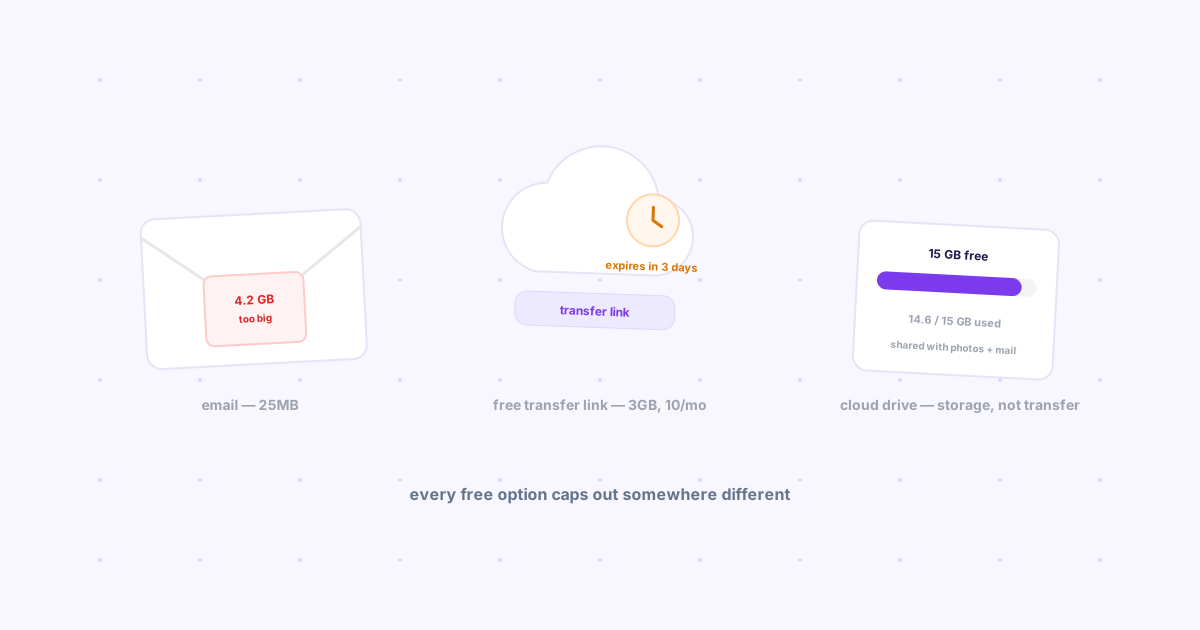
The catch: you still hand over an email address, the link expires in just 3 days, and — since a late-2024 policy change — the free tier now also caps you at 10 transfers or 3GB combined every 30 days, on top of the per-transfer size limit. See every free file-size limit compared for the exact current numbers before you assume the free tier still works the way it used to.
Use it if: it's a one-time file to someone else and you're under both the size and the monthly cap.
2. Google Drive and Dropbox share links — free for the recipient, not for you
Here's the part people miss: opening a Google Drive or Dropbox link doesn't require the recipient to have an account at all — they just click and view or download. The account requirement sits entirely on the sender's side, since you need one to upload the file in the first place.
The catch: if you toggle the wrong sharing setting, the recipient hits a "request access" wall instead of the file — a common support headache for anyone sending work links. It's also built for persistent storage, not a quick handoff, which is overhead if all you need is a single file to move once.
Use it if: you already have the account and the file needs to keep existing somewhere afterward.
3. Temporary drop services (file.io, transfer.sh) — genuinely account-free
This is the category that actually delivers on "no account, either side." Services like file.io generate a link with no login on your end or the recipient's; self-hosted options like transfer.sh work the same way from a terminal with a single curl command.
The catch: that anonymity is also the limitation. Links commonly self-destruct after one download or a short expiry window, there's no history to look back at, and losing the link means losing the file. It's built for a single anonymous handoff, not anything recurring.
Use it if: you need to send one file, once, to someone whose email you don't even want to collect.
4. USB and physical transfer — no account, no internet either
The original account-free option. No signup, no email, no server holding your file even temporarily.
The catch: it only works if you can physically be next to both devices, which rules out the actual common case — sending a file to your own phone that's in another room, or to a coworker who isn't in the building.
5. Open source local-network tools — no account, same WiFi only
Tools like LocalSend and PairDrop skip accounts entirely by discovering the other device directly over the network rather than through a server — we go through the full lineup in our honest review of 7 open source file sharing tools. Genuinely account-free, and fast when it works.
The catch: both devices need to be on the same WiFi network. Office laptop to a phone on mobile data, or hotel WiFi with client isolation turned on, and the devices simply can't find each other.
Where Knit fits — honestly
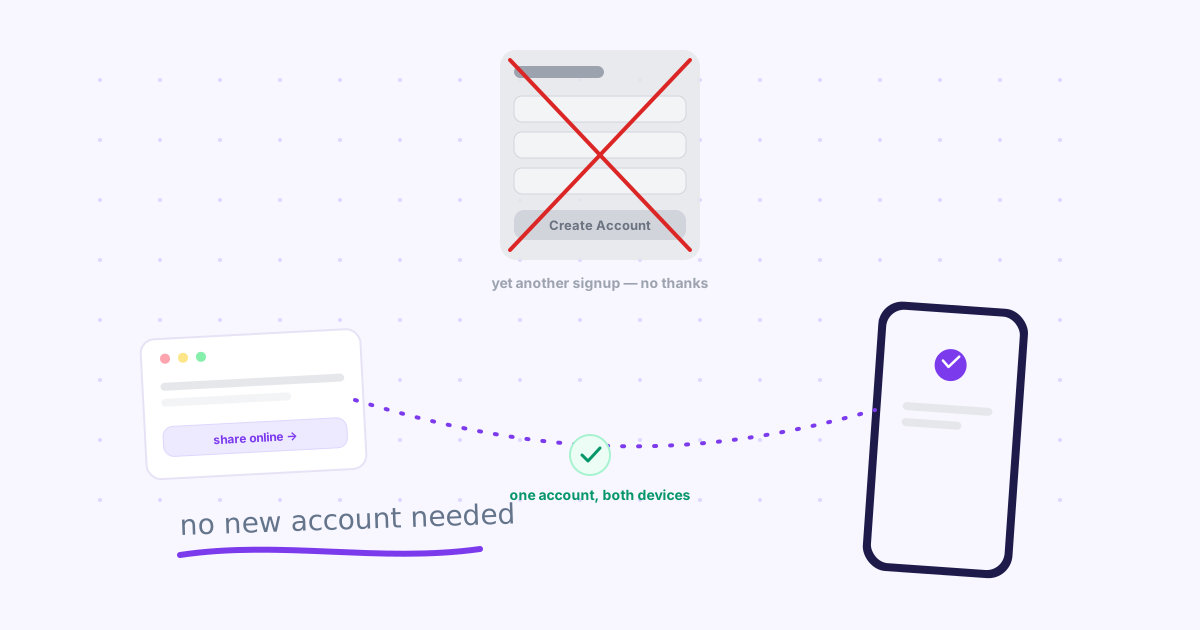
Knit isn't account-free. It uses your existing Google account, the same one on the Chrome extension and on your phone's browser. That's a real trade-off worth naming plainly, not dressing up as something it isn't.
What it buys you: no new username or password to invent, no disposable link that expires before you remember to grab it, and no re-entering an email every time. Sign in once, and both your devices just stay connected — over the internet, not just the same WiFi — for as long as you want to keep sending things between them. It's the same sign-in-once model we lean on for testing staging URLs on your phone instantly, where a temporary drop link would otherwise mean re-copying a URL every time.
Every option, side by side
| Method | Sender needs account? | Recipient needs account? | Limits |
|---|---|---|---|
| WeTransfer (free) | No | No | 3GB cap, 3-day expiry, 10/mo limit |
| Google Drive / Dropbox link | Yes | No | Free storage tier limits |
| file.io / transfer.sh | No | No | Often single-download, short-lived |
| USB drive | No | No | Same room only |
| LocalSend / PairDrop | No | No | Same WiFi network only |
| Knit | Yes (Google account) | N/A (your own devices) | None — persists across sessions |
Frequently asked questions
Do I need an account to use WeTransfer?
No — WeTransfer's free tier lets you send up to 3GB without creating an account; you just need an email address for the download link. The recipient never needs an account either. The trade-off: the link expires after just 3 days, and since a late-2024 policy change the free tier also caps you at 10 transfers or 3GB combined every 30 days — see the full breakdown of every free size limit for the current numbers.
What's the most private way to share a file online without signing up?
Temporary drop services like file.io or a self-hosted transfer.sh instance are the most genuinely account-free option on either end — no email, no login, just a generated link. The catch is they are built for one-off anonymous sharing: links often self-destruct after a single download or a short time window, so they are the wrong tool for anything you need to send more than once.
Does Knit require an account?
Yes — Knit uses your existing Google account, so there's no new username or password to create. The difference from a one-off share link is that it's the same account across your Chrome extension and your phone browser, so it stays signed in and ready instead of generating a new disposable link every time.
The bottom line
If you genuinely can't hand over an email, file.io or a self-hosted transfer.sh comes closest to zero-account sharing. If a week-long link is enough, WeTransfer's free tier is the least friction for a one-off send. But if what you actually want is your own laptop and phone permanently able to hand things to each other without repeating any of this — that's what Knit is for, one Google account, not a new one.