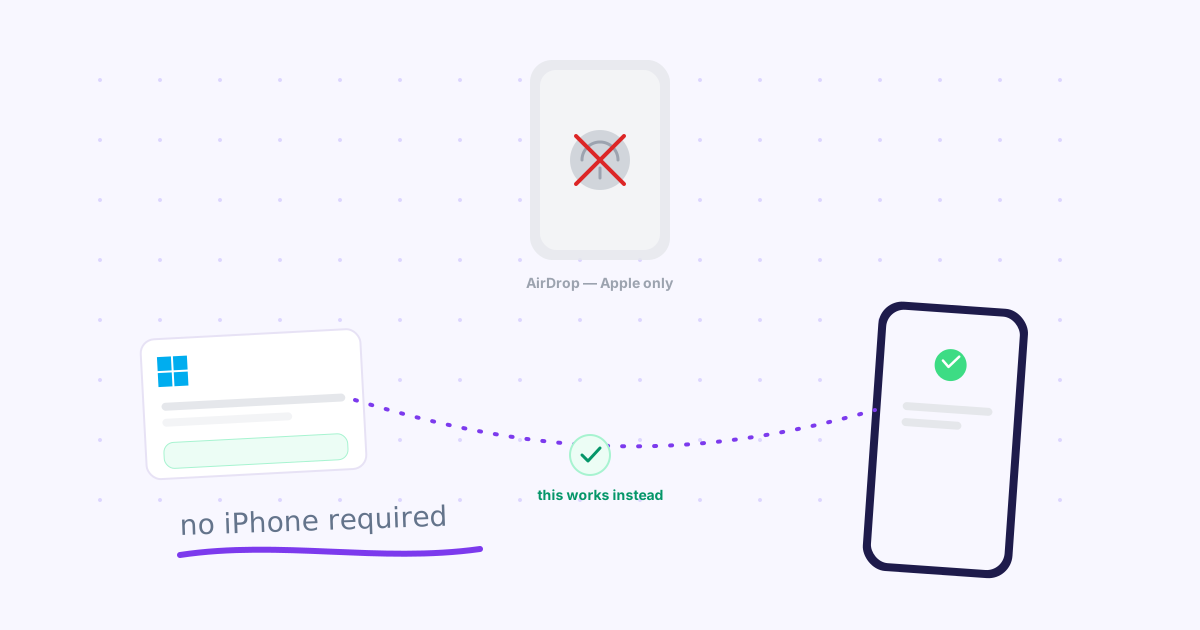
TL;DR: AirDrop doesn't exist for Windows or Android — it's Apple-only software with no equivalent app. Google's Quick Share and Microsoft's Phone Link are the closest official answers, but both need physical proximity or a Bluetooth/WiFi Direct pairing. LocalSend works cross-platform on shared WiFi with no account; Knit is the option that works over the internet, any distance apart.
If you own an iPhone and a Mac, AirDrop is magic: two taps, done. If you own a Windows laptop and an Android phone — a genuinely common combination for developers, gamers, and anyone who didn't buy into the Apple ecosystem — AirDrop was never built for you. It's Apple hardware talking to Apple hardware over Apple's own protocol, and there's no version of it coming to Windows or Android.
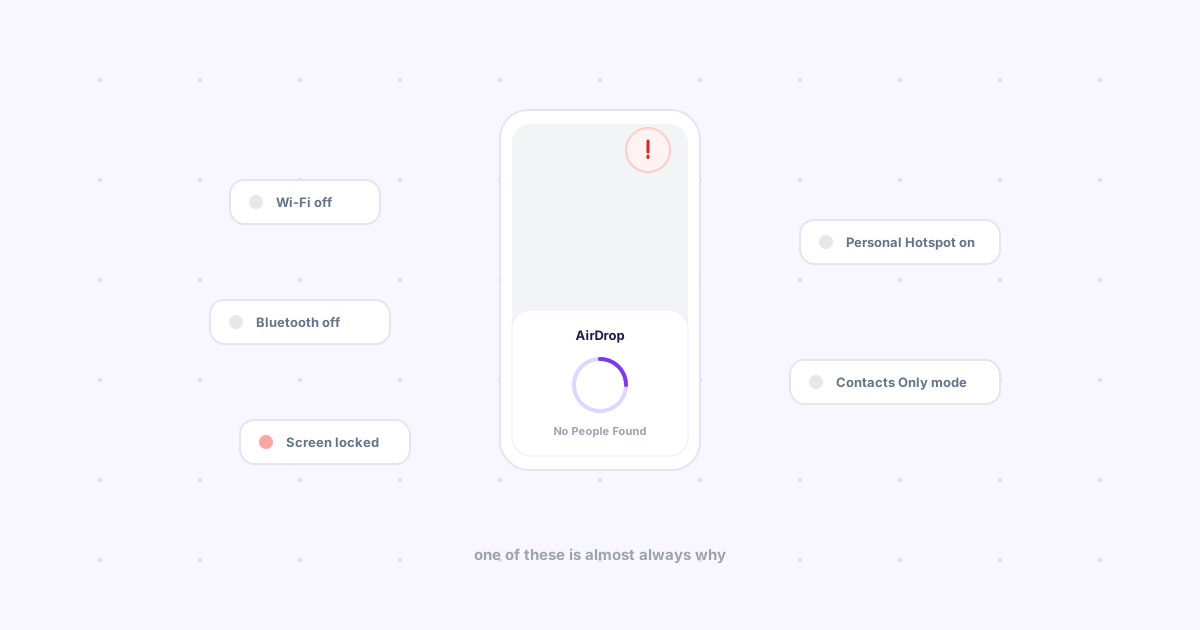
That doesn't mean you're stuck emailing yourself files. Here's what actually replaces AirDrop when neither of your devices is an iPhone, tested on a real Windows laptop and a real Android phone. (If both of your devices actually are Apple and AirDrop still isn't finding anything, that's a fixable setting, not a platform gap — see why AirDrop isn't working and how to actually fix it.)
Why "just use AirDrop" was never the answer
As we've covered before, AirDrop fails the moment either device isn't Apple's — it doesn't degrade gracefully or fall back to something else, it simply isn't there. Windows has no AirDrop button to press. Android has no AirDrop button to press. So the question isn't "how do I fix AirDrop," it's "what do Windows and Android actually offer instead."
Three real answers, plus the gap none of them close.
1. Google Quick Share — the closest thing to an official answer
Quick Share (Google's rebrand of Nearby Share, with a dedicated Windows app since 2024) is the most direct equivalent to AirDrop this combination has. Install it on the Windows side, and a nearby Android phone can send files to it — and receive them back — over Bluetooth or WiFi Direct, the same proximity-based handshake AirDrop uses.
The catch: proximity is the whole model, same as AirDrop. Both devices need to be physically near each other with Bluetooth on, which means it doesn't help with a work laptop and a home phone, or anything separated by more than a room. The Windows app is also newer and rougher than Apple's decade-old implementation — expect the occasional stalled transfer.
Use it if: your Windows laptop and Android phone are usually in the same room and you want the closest thing to a real AirDrop button.
2. Microsoft's own tools — Nearby Sharing and Phone Link
Windows ships two first-party options, and it's easy to reach for the wrong one. Nearby Sharing is Windows-to-Windows only — genuinely useless for an Android phone. Phone Link actually bridges Android to Windows, mirroring notifications, calls, and your camera roll to the desktop.
The catch: Phone Link is scoped to specific content types, not a general file-drop tool. Photos sync well. Sending an arbitrary PDF or a downloaded APK across is either unsupported or buried several menus deep, and how much actually works depends on your phone's manufacturer — Samsung phones get noticeably deeper "Link to Windows" integration than a generic Android device.
Use it if: you mainly want your phone's notifications and photos on your desktop, not ad-hoc file transfers.
3. LocalSend — cross-platform, no account, same WiFi only
LocalSend has real native apps on Windows and Android (plus Mac, Linux, and iOS), discovers the other device over WiFi in seconds, and needs no account at all. It's the option that treats "Windows talking to Android" as the default case rather than an afterthought. We put it through a full head-to-head review against six other open source tools if you want the deeper dive.
The catch: same WiFi network, no exceptions — office desktop to home phone, or anything on mobile data, simply won't see each other.
Use it if: both devices share a network and you don't want to install anything from Google or Microsoft.
4. Bluetooth file transfer — slow, but it always works
Every Windows PC and every Android phone can send files over plain Bluetooth. It's built in, needs no app install, and works even when WiFi doesn't. It's also the slowest option here by a wide margin, and pairing two devices for the first time is more steps than any of the above.
Use it if: nothing else is available and the file is small.
Where all four still fall short
Notice what Quick Share, Phone Link, and LocalSend have in common: every one of them needs the two devices physically close, on the same network, or paired in advance. None of them handle the actual everyday case of a link or file on your work laptop that you need on your phone, which is on mobile data, in another room or another building entirely.
That's the gap Knit closes. It works over the internet, not local proximity — the same Google account on the Chrome extension and on your phone's browser is all it takes, on any network, any distance apart. If your specific pairing is a Windows PC and an iPhone rather than Android, we timed the fastest route for that exact combination too.
The honest comparison
| Option | Needs same room/network? | Account required? | Best for |
|---|---|---|---|
| Quick Share | Yes (Bluetooth/WiFi Direct range) | Google (for settings) | Closest to a real AirDrop button |
| Nearby Sharing | Yes — and Windows-only | Microsoft | Windows-to-Windows, not Android |
| Phone Link | No (cloud-linked) | Microsoft + phone-side app | Photos/notifications, not general files |
| LocalSend | Yes (same WiFi) | None | No-account transfers on one network |
| Bluetooth | Yes (paired, in range) | None | Small files, zero setup |
| Knit | No — any network | Google (one account, two devices) | Laptop-to-phone across any distance |
Frequently asked questions
Is there an AirDrop app for Windows?
Not from Apple, but Google's Quick Share (formerly Nearby Share) shipped an official Windows app in 2024, letting a Windows PC send and receive files with an Android phone over Bluetooth or WiFi Direct — no cable, no account beyond Google.
Can I AirDrop from Android to Windows?
Not literally — AirDrop is Apple-only software. Quick Share is the closest official equivalent and is genuinely built for exactly this pairing. Microsoft's own Phone Link also bridges Android to Windows, but only for specific content like photos and messages, not general file drops.
What's the fastest way to send a file between Windows and Android without an account?
LocalSend, a free open-source app with native clients on both platforms. It finds the other device over WiFi in seconds with no sign-in required — the trade-off is both devices must be on the same network.
The bottom line
If your laptop and phone are usually in the same room: Quick Share or LocalSend. If you mainly want photos and notifications synced: Phone Link. If neither device is anywhere near the other — different building, different network, different city — that's the specific case Knit was built for.