Send files to your phone.Instantly.
One click on your laptop, and it's on your phone before you pick it up. Files, links, notes — across any devices you own. No cables, no AirDrop, no emailing yourself.
Free · No credit card · Windows, Mac, Android, iPhone
You've been doing the workaround dance.
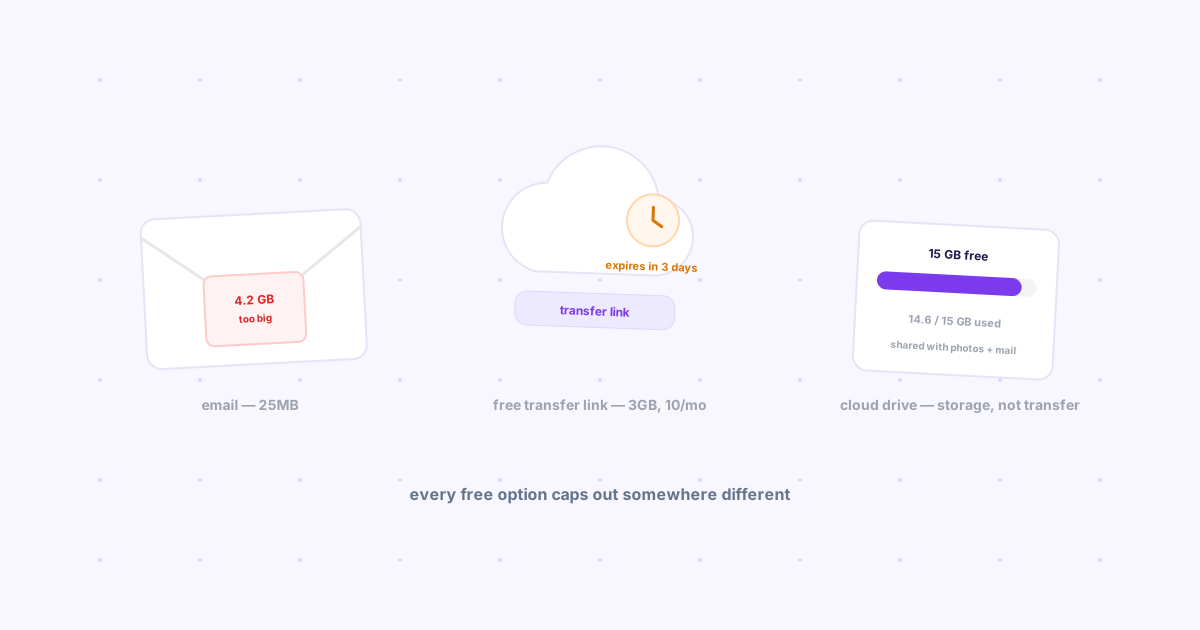
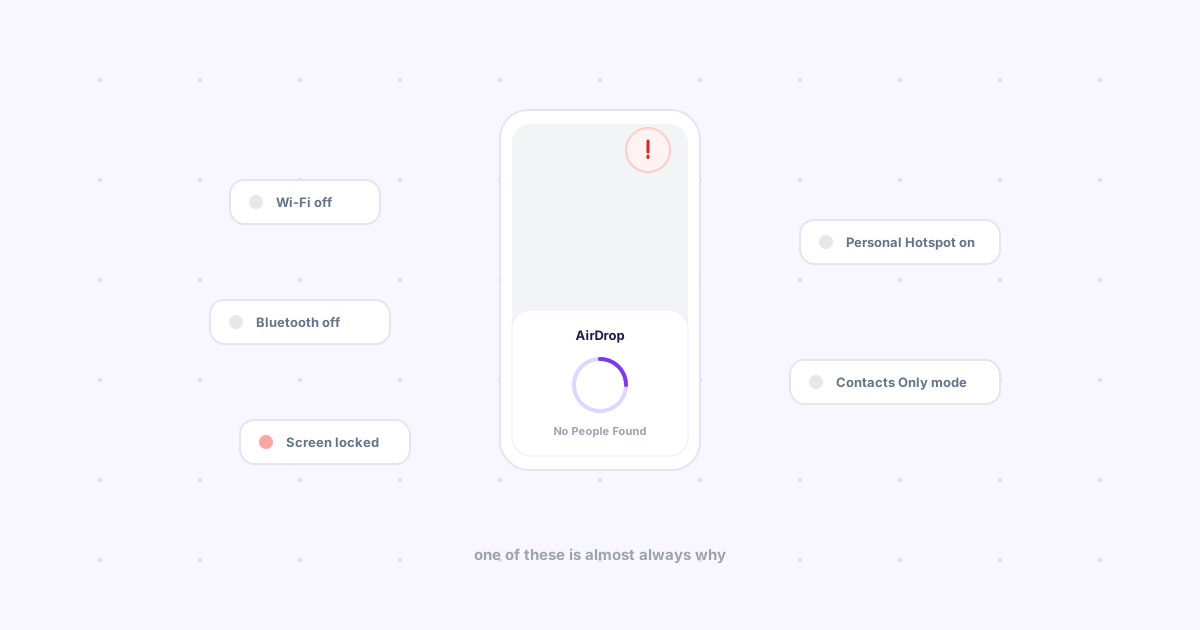
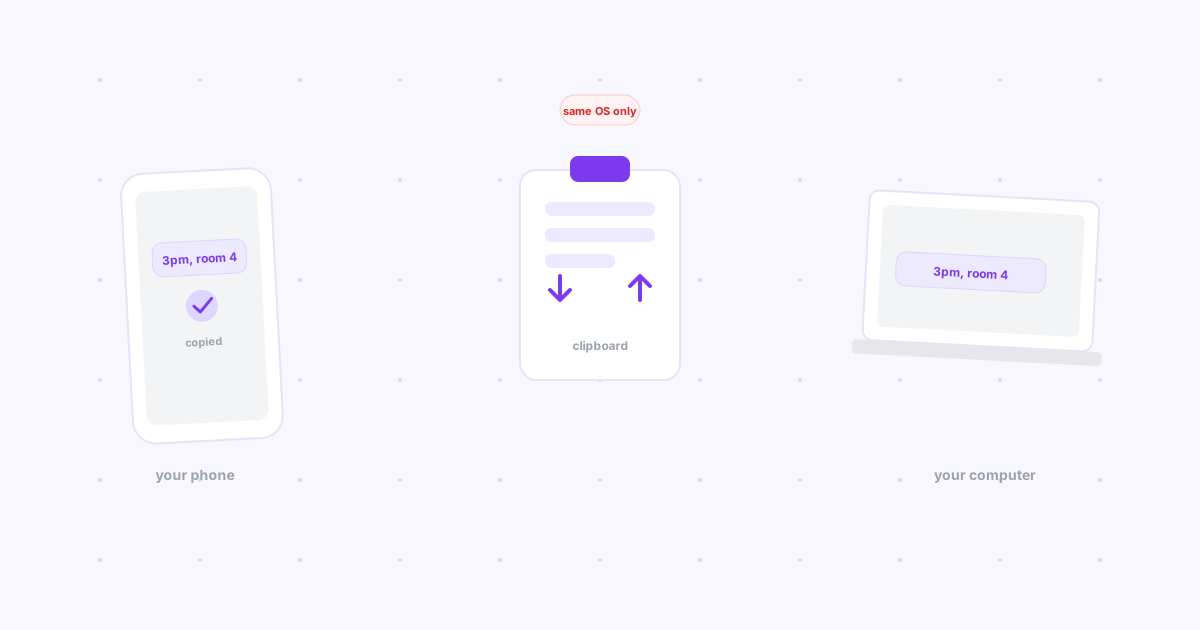
Emailing files to yourself. The WhatsApp group with one member. AirDrop that can't find your phone. Every one of them is a workaround for the same missing feature — your devices don't talk to each other. Knit fixes exactly that.
Three steps. Under a minute.
Add the extension
It sits in your toolbar until you need it.
Click Drop on any page
Files or links — one click, no share menus.
Open your phone
It's already there.
Built for the two-screen life.
Instant delivery
Drop a file on your laptop; it's on your phone before you've picked it up.
A library that remembers
Tag what matters, search it later, from any device.
No ecosystem lock-in
Windows to iPhone. Android to Mac. Knit doesn't care what you own.
7-day undo
Deleted something by accident? Everything is recoverable for a week.
Made for people who live on two screens.
Staging URLs from laptop to phone for testing. One click, no Slack-to-self.
References and prototypes from the big screen to the small one.
That thing you saved "for later," findable when later arrives.
Why I built this
My inbox was full of emails from me, to me, with no subject line — files and links I needed on my phone. My Notes app was a graveyard. AirDrop worked maybe half the time.
So I built Knit. One click on the laptop, and it's on my phone. That's the whole idea.
It's free. No AI, no upsell ambush. Just the small tool I always wanted.
— Johnson, maker of Knit
Questions, answered.
Is Knit free?+
Yes. Sending links, notes, and files up to 25MB between your devices is free with no credit card. A Pro tier with bigger uploads is planned but not required for the core product.
How is Knit different from AirDrop or LocalSend?+
AirDrop only works between Apple devices, and LocalSend or KDE Connect need both devices on the same WiFi network. Knit transfers over the internet, so it works between any two devices on any networks — hotel WiFi, mobile data, office and home. The only requirement is being signed into the same Google account on both ends.
What is the file size limit?+
Files up to 25MB per drop are free. Links and notes have no size limit. Bigger file uploads are planned for Knit Pro.
What does Knit read from my browser?+
Only the URL and title of a tab you explicitly drop. Knit does not read page content, browsing history, or anything on sites you visit. Data lives in your own Google-authenticated account, and there are no trackers or ads.
Which platforms does Knit work on?+
The Chrome extension works on Windows, Mac, Linux, and ChromeOS in any Chromium browser. On your phone, Knit runs in any mobile browser at useknit.web.app — on Android you can also install it as an app and share links into it from the share sheet.
Do I need to install anything on my phone?+
No. Open useknit.web.app in your phone browser and sign in — your drops are already there. Installing it to your home screen (Add to Home Screen) is optional and enables push notifications and share-sheet integration.
Your files have somewhere to be.
Stop carrying them between devices by hand. One click, and Knit does it.