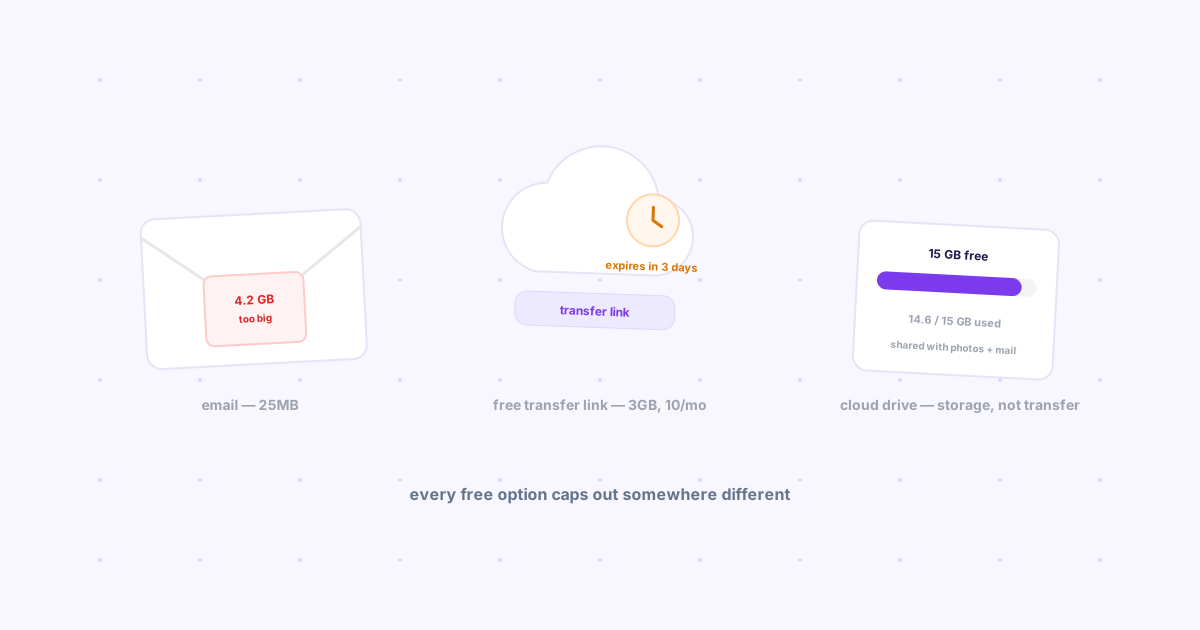
TL;DR: Every free option caps out somewhere different. Gmail: 25MB combined per email, then it auto-converts to a Drive link. WeTransfer free: 3GB per transfer, but only 10 transfers (or 3GB total) every 30 days, and the link dies after 3 days — a real tightening since a late-2024 change, not the "2GB, no strings" plan people remember. Google Drive/Photos: 15GB of storage shared across your whole account, which is a different kind of limit than a per-transfer cap. None of these are wrong — they're just different ceilings, and the fix is picking the one that matches what you're actually sending.
You go to send a file and get some version of "too large to send," and the honest reaction is confusion — what's the actual limit, and why does it feel like it changes depending on which tool you're using? It does change, because "free file sharing" isn't one limit. It's three different kinds of limit stacked on top of each other, and most people only find out which one they hit after they've already hit it.
Email — 25MB, and it's a trap disguised as a size limit
Per Google's own support documentation, Gmail caps attachments at 25MB combined per email — every file in the message added together, not 25MB each. Go over it and Gmail doesn't reject the email; it silently swaps the attachment for a Google Drive share link instead, which is convenient until the recipient needs Drive access they don't have, or the link inherits whatever sharing permissions your Drive account defaults to.
The real limit isn't even 25MB. Files get Base64-encoded for email transport, which adds roughly 33% overhead — so a file that looks like it should fit under 25MB can still bounce. Treat 18-20MB as the practical ceiling, not the advertised one.
WeTransfer free — 3GB, but read the fine print
WeTransfer's own plan-limits page states the free plan allows up to 3GB per transfer. That's the number most people remember — what changed is everything around it. Since a late-2024 policy tightening, free accounts are also capped at 10 transfers per month, and a combined 3GB across any rolling 30-day window, whichever limit you hit first. Links expire after 3 days regardless. If you used WeTransfer occasionally a few years ago and haven't checked since, the free tier is meaningfully smaller than you remember — it's also still an email-address-required flow, unlike the fully account-free options compared here.
Google Drive and Photos — a storage ceiling, not a transfer ceiling
This is a different kind of limit than the two above, and it trips people up because it doesn't look like a limit until it suddenly is one. Every free Google Account gets 15GB of storage, and that pool is shared across Gmail, Drive, and Photos combined — years of full-resolution photo backups and old email attachments all draw from the same 15GB. A single file inside that quota can be large; what runs out is the room to keep adding more, and when it does, Gmail can stop sending and receiving mail entirely, not just refuse a big attachment.
The comparison at a glance
| Free tier | Per-item limit | Other caps | Expiry |
|---|---|---|---|
| Gmail attachment | ~25MB (practically ~18-20MB) | None beyond per-email | N/A — converts to a Drive link |
| WeTransfer | 3GB per transfer | 10 transfers or 3GB / 30 days | 3 days |
| Google Drive / Photos | Large, storage-permitting | 15GB total, shared account-wide | Until you delete something |
| Knit | 25MB per file (free) | None — no monthly cap | Your choice, 1 hour to never |
So which limit should decide what you use?
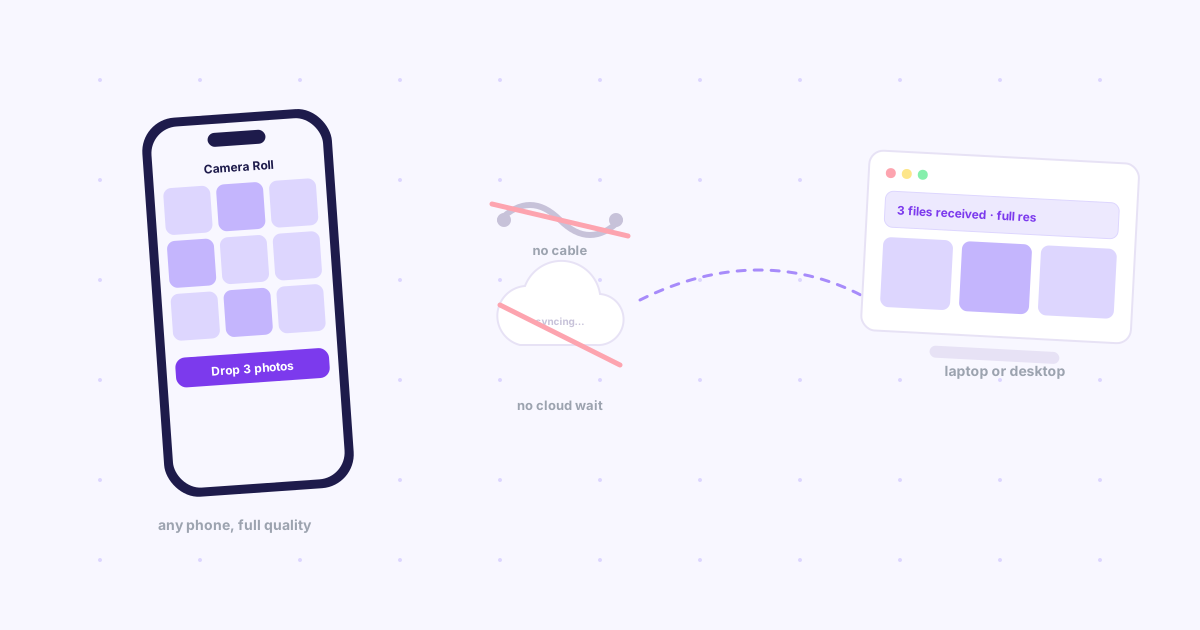
Sending to your own other device, right now, and it's under 25MB — a direct handoff tool skips the upload-then-download round trip both email and WeTransfer require. Knit works this way: same Google sign-in on both devices, free up to 25MB per file, no monthly cap the way WeTransfer now has one, and you set the expiry instead of having 3 days forced on you.
A few gigabytes, to someone else, one-off — WeTransfer's free tier still works, as long as you're not already near its monthly cap. If you are, that's the tightening from 2024 catching up with you.
Ongoing large files or something that needs to stick around — a cloud drive link is the right call, with the caveat that it's drawing from the same 15GB as everything else in the account.
Knit isn't the answer to every row in that table — it's honestly the smallest per-file limit of the four. It's the fastest one for the specific case it's built for: your own devices, right now, without either WeTransfer's new monthly ceiling or Gmail's Base64 tax getting in the way.
The bottom line
"How big a file can I send for free" doesn't have one answer because it isn't one limit — it's a per-email cap, a per-transfer-plus-monthly cap, and a shared storage pool, and each one fails differently when you hit it. Knowing which kind of limit you're up against before you hit send saves the "why won't this just work" moment entirely.