TL;DR: There is no single "best" AirDrop alternative — there is a best one for your devices. Same Wi-Fi, cross-platform: LocalSend. Browser-only, zero install: Snapdrop. Different networks entirely (cellular, different offices, no shared Wi-Fi): Knit. This guide breaks down which one actually fits your situation, tested against each other rather than just described.
"AirDrop alternative" is one of the most searched phrases in file sharing, and most of the results answer it as if there's one universal winner. There isn't — because the reason you're looking for an alternative is almost always one specific limitation of AirDrop, and different limitations point to different tools.
Why people search for an AirDrop alternative in the first place
AirDrop has exactly three requirements, and any one of them being unmet is what sends people looking:
- Both devices must be Apple. The moment Windows or Android is involved on either end, AirDrop is not an option — full stop.
- Both devices must be near each other with Bluetooth and Wi-Fi on. Fine at a desk, useless if one device is at home and the other is in your pocket on the train.
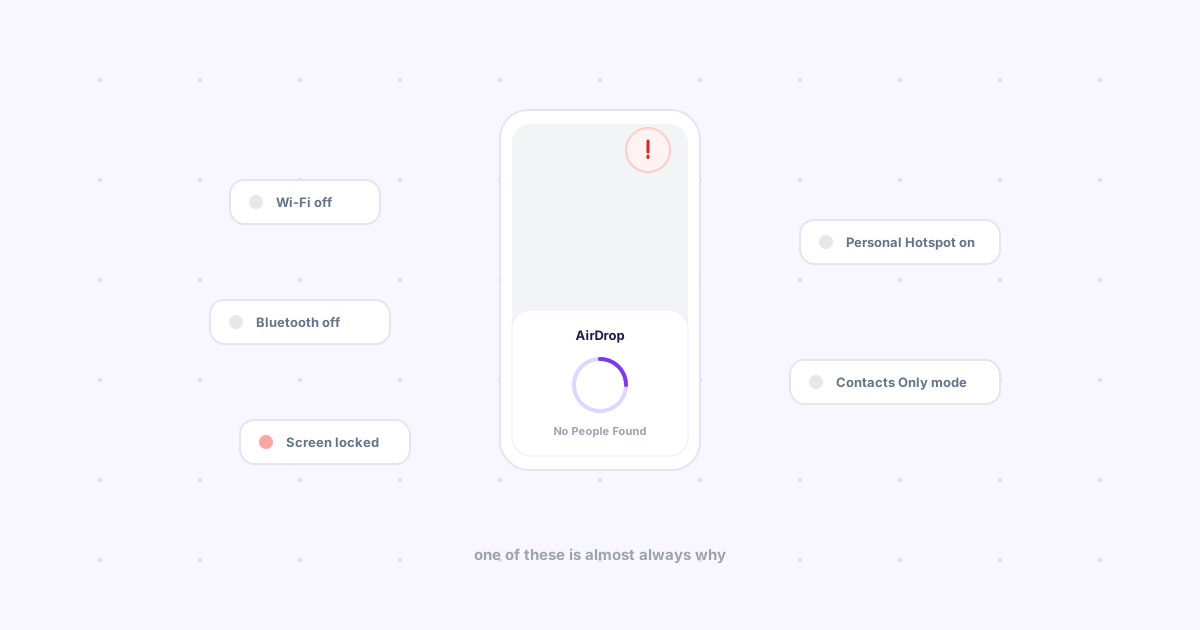
- Both devices must be signed into compatible visibility settings, which trips up more people than it should ("Contacts Only" silently failing for someone not in your contacts).
So "AirDrop alternative" really means one of two different problems: cross-platform (Apple + non-Apple) or cross-network (not in the same room). Picking the right tool starts with knowing which one you actually have — and if it's neither, AirDrop not finding anything is usually a setting, not a real limitation, worth ruling out first.
The direct comparison
| Tool | Platforms | Needs same Wi-Fi? | Account required? | Best for |
|---|---|---|---|---|
| AirDrop | Apple only | Yes (+ Bluetooth) | No | Mac ↔ iPhone, same room |
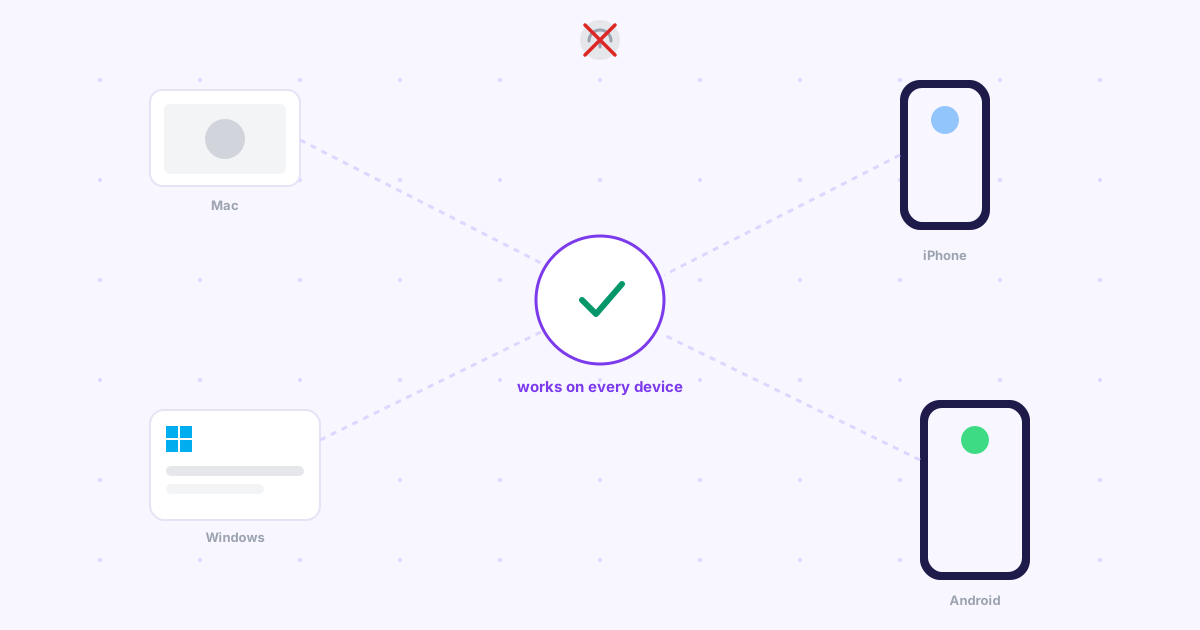
| LocalSend | Win, Mac, Linux, iOS, Android | Yes | No | Any devices, same network |
| Snapdrop | Any device with a browser | Yes | No | One-off transfer, zero install |
| KDE Connect | Linux, Android (+ limited others) | Yes | No | Linux desktop ↔ Android, deep integration |
| Google Quick Share | Android, ChromeOS, some Windows | Yes | Google account | Android-first households |
| Knit | Any device with a browser | No | Google sign-in | Cross-network, cross-platform, no setup |
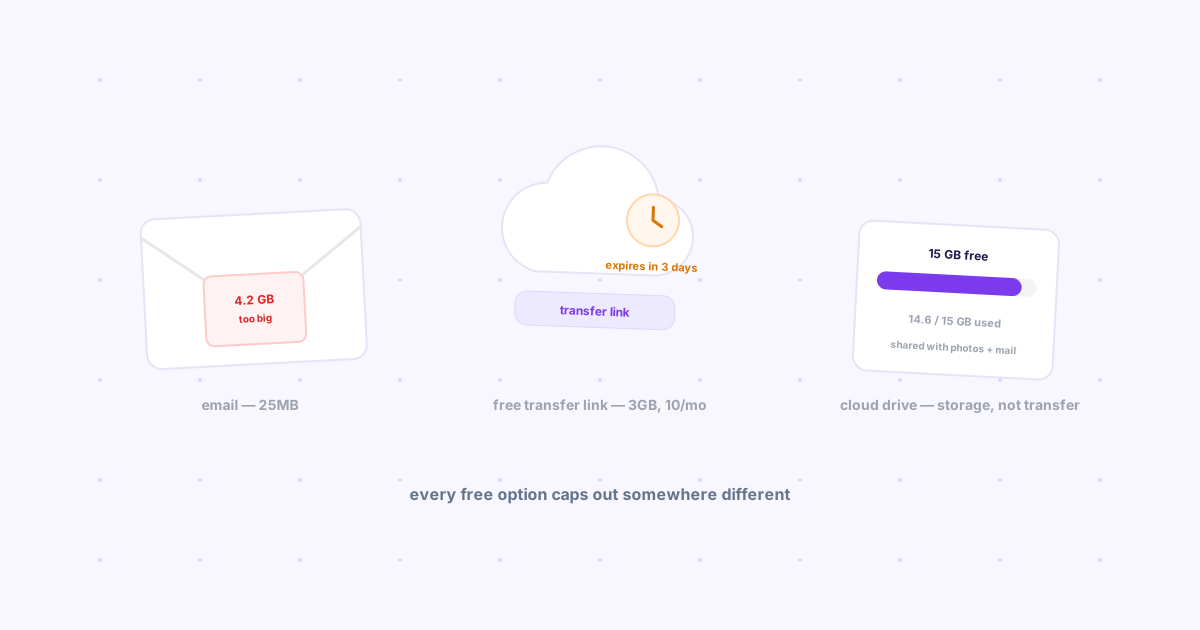
| Cloud drive link | Any device | No | Yes (usually) | Large files, long-term storage |
If your devices share the same Wi-Fi
This is the easy case, and you have good free options. LocalSend is the most direct AirDrop clone: install it on both devices, they discover each other automatically, drag and drop, done — and unlike AirDrop it genuinely works across Windows, Mac, Linux, iOS, and Android in any combination. Snapdrop trades the install step for a browser tab — open the site on both devices and they appear to each other via WebRTC, no app to manage. We put both of these, plus five more, through a full hands-on comparison in 7 open source file sharing tools, honestly reviewed.
If one side of the pair is specifically Windows or Android, the platform-specific quirks (driver installs, permission prompts, Quick Share's account requirement) are worth knowing before you pick — covered in depth in AirDrop alternatives that actually work on Windows and Android.
If your devices are on different networks
This is the case most "AirDrop alternative" lists skip entirely, and it's a common one: your phone is on mobile data, your laptop is on a different Wi-Fi, or you're trying to get a file to your own device from somewhere else entirely. None of the same-network tools above can help here, because there's no shared network for them to discover each other on.
The options that actually work here are a cloud drive link (upload, generate a link, send it — reliable, but not fast for a quick one-off) or Knit, which is built specifically for this gap: sign into the same Google account on both devices once, and after that a file, link, or note sent from one lands on the other over the internet — no shared network needed, no login wall for a recipient (since it's the same account on both ends), free up to 25MB per file. It's the one entry in this comparison that isn't trying to be a better AirDrop clone; it's solving the problem AirDrop was never built to solve.
So which one should you actually install?
- Mac and iPhone only, same room: just use AirDrop. Nothing beats it for that exact case.
- Mixed platforms, same Wi-Fi: LocalSend, or Snapdrop if you don't want to install anything.
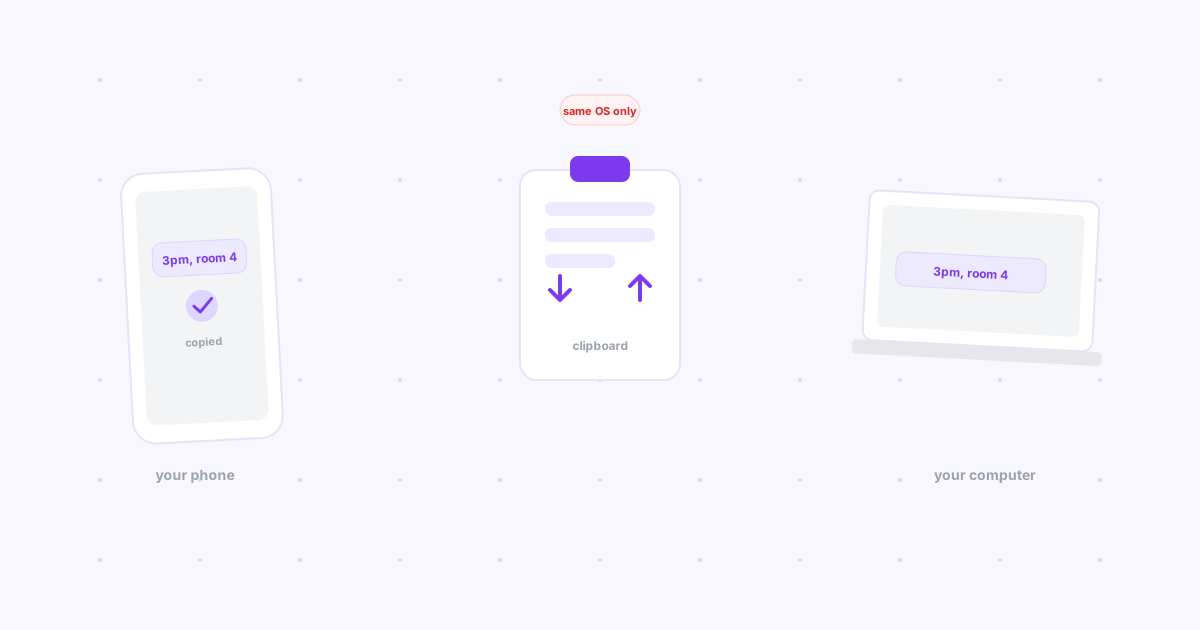
- Linux desktop paired with an Android phone, want notifications and clipboard sync too: KDE Connect.
- Different networks, or "get this to my own other device from anywhere": Knit.
- Large files or long-term shared storage: a cloud drive, not a transfer tool.
For the full landscape beyond just AirDrop's shoes — including cloud sharing, local file servers, and everything in between — see cross-platform file sharing in 2026: every method compared.