TL;DR: Chat apps like Slack and WhatsApp recompress image exports before delivery, softening gradients and fine detail. AirDrop is Apple-only, and email caps out around 25MB. For a full-resolution handoff between your own devices, a direct transfer tool — not a chat app — sends the file byte-for-byte, on Mac, Windows, or Android alike.
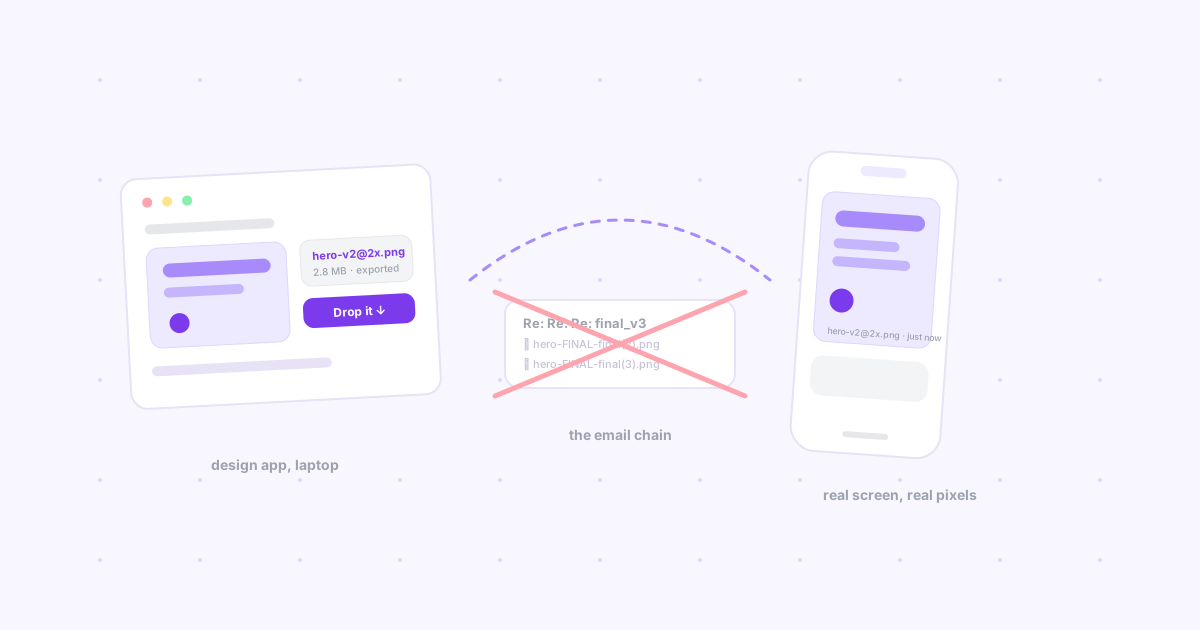
Every designer has done this: export a clean PNG at 3x, send it to your own phone to check how it actually looks on a real screen, and watch it arrive slightly soft — like it went through a photocopier on the way. Nothing is wrong with your export. Something in the middle touched it.
The thing nobody tells you about "just sending a file"
Chat apps are not neutral pipes. Slack, WhatsApp, iMessage (for non-Apple recipients), Discord — all of them run images through a compression pass before delivery, because serving full-resolution media to everyone, forever, is expensive at their scale. For a meme, you'd never notice. For a gradient-heavy UI export, a subtle color ramp, or fine typography, the re-encode shows up as banding, softness, or a shift you can't quite name but can absolutely see.
This is the invisible tax on the most common handoff of all: "let me just send this to myself real quick."
What designers actually reach for, and where it breaks
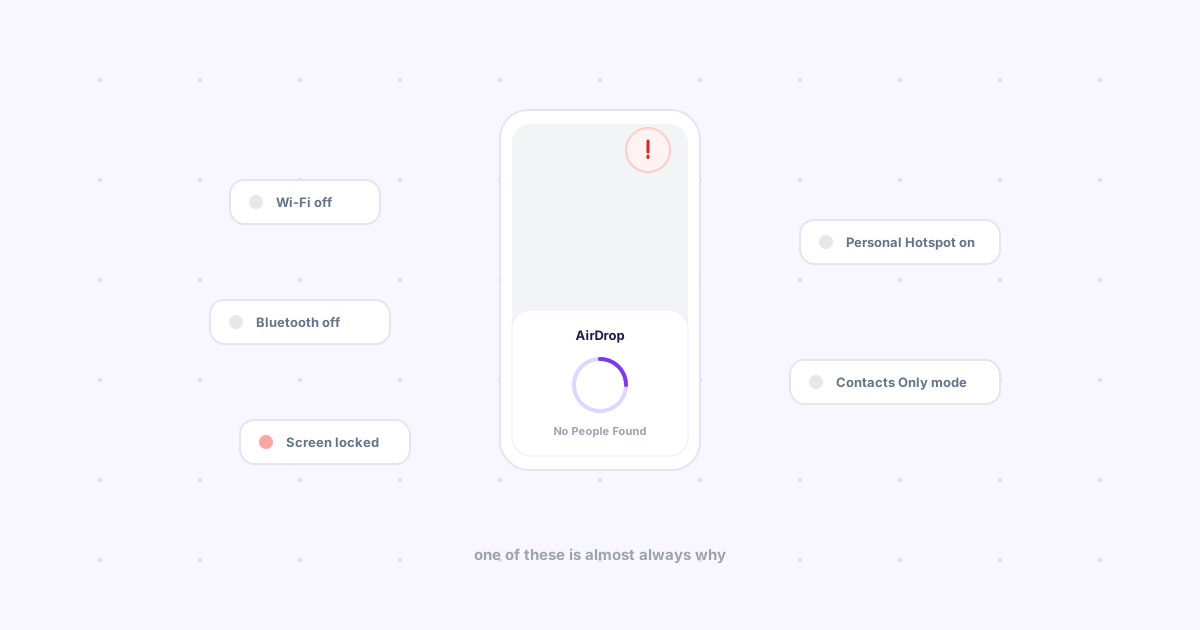
AirDrop. Zero compression, zero setup, genuinely instant — if both devices are Apple. The moment a client, a teammate, or your own Android test phone is in the mix, it's not an option at all.
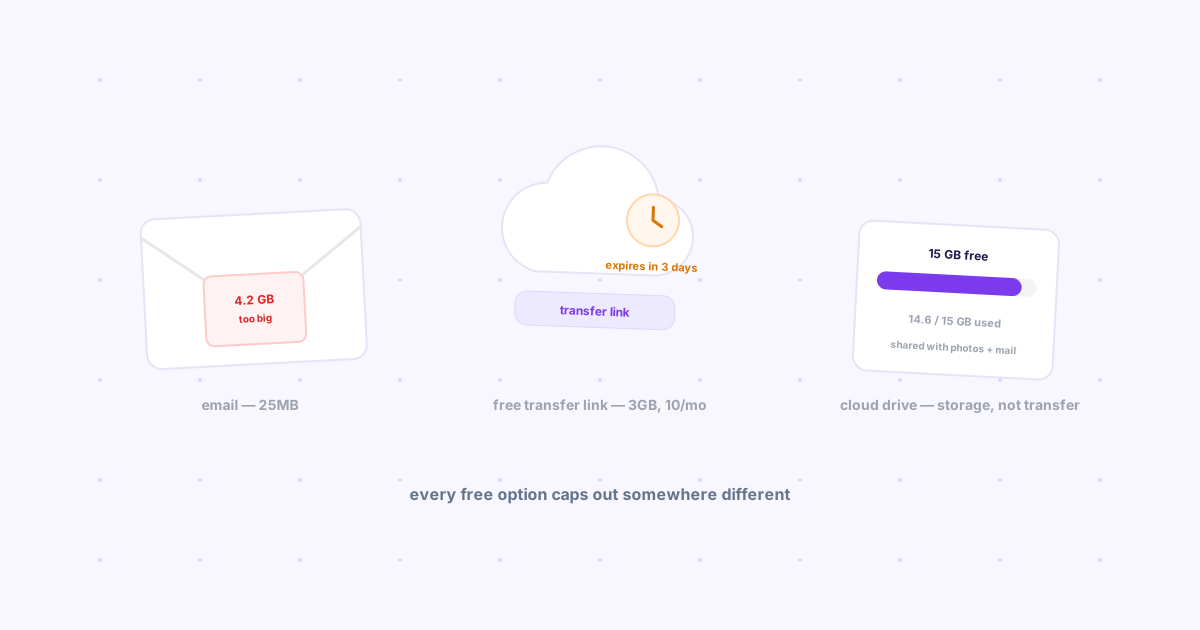
Email to yourself or a client. No recompression, but attachments cap out around 25MB — one Figma export of a dense screen, one short prototype recording, and you're already over. It also means whatever you sent is now buried in a thread by next week, the same inbox-as-filesystem problem we covered in sending links from your laptop to your phone.
A cloud drive link. Full quality, no size drama, and the correct choice for anything that needs to persist or be reviewed by a team. The cost is the round trip: upload, wait, generate a share link, send the link, and — for a client without an account — sometimes a login wall before they can even see it. Overkill for "just look at this one export on your phone right now."
WeTransfer / a one-off share service. Built exactly for this, and it works — but it's a browser tab, a file picker, and a wait for the upload, every single time, for something that should take one click.
Slack self-DM. The most common answer, and the quietest source of the compression problem above. Convenient right up until you're squinting at a screenshot wondering if that's really the color you shipped.
The actual decision table
| What you're sending | Right tool | What goes wrong with the "easy" choice |
|---|---|---|
| A quick export to check on your own phone | Direct transfer (no recompression) | Slack/WhatsApp softens gradients and fine detail |
| A structured handoff to a developer | Figma Dev Mode | A zip of exports loses context (spacing, tokens, states) |
| A large prototype recording for a client | Cloud drive link | Email bounces past ~25MB |
| One file, across ecosystems (Mac ↔ Android) | Direct transfer tool | AirDrop simply isn't available |
| A shared, evolving asset library | Cloud drive | A chat thread scrolls it out of reach in days |
Where a direct transfer tool fits
For the "just get this exact file onto my other device" case — the one that happens a dozen times a day and doesn't deserve a five-step ritual — the requirement is narrow: send the actual bytes, skip any app that treats it as chat media, and don't force a login on whoever's receiving it.
That's the gap Knit fills. Sign in with the same Google account on your laptop and phone, click "Drop," and the file lands on the other device as-is — it goes through Firebase Storage as a direct upload, not a chat pipeline, so nothing gets re-encoded on the way. Free up to 25MB, which covers the overwhelming majority of individual exports even if it won't take a multi-gigabyte prototype recording. Anything larger is still a job for a cloud drive.
The bottom line
Not every handoff needs the same tool. Structured dev handoff belongs in Figma. Long-lived shared assets belong in a cloud drive. But the constant, low-stakes case — get this one export from here to there, at full quality, right now — is exactly what gets forced through whatever chat app is already open, and quietly loses quality every time.
Curious how this compares to every other way people move files across devices? See the full breakdown in cross-platform file sharing in 2026.