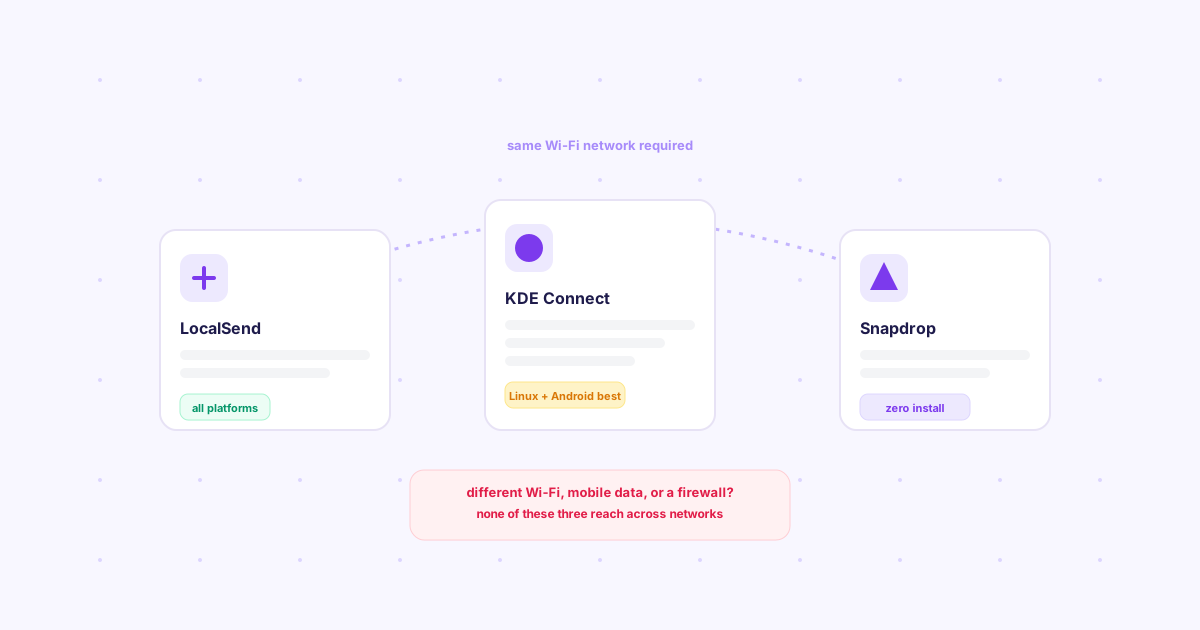
TL;DR: LocalSend, KDE Connect, and Snapdrop are all free, open-source, same-network file sharing tools — and all three share the same hard limit: both devices must be on the same Wi-Fi. LocalSend wins on platform breadth, KDE Connect wins on deep Linux/Android integration, Snapdrop wins on "zero install." None of them help once your devices are on different networks.
Search "network sharing software" or "local file" transfer and these three names come up constantly, often lumped together as if they're interchangeable. They're not quite — each optimizes for a slightly different tradeoff.
What all three have in common
Every one of these is free, open source, and works by discovering other devices on the same local network — no cloud server relaying your file, no account required, and the transfer itself is typically encrypted device-to-device. That's a real advantage over uploading to a third-party server just to move a file across the room. The shared cost is the same: no shared Wi-Fi, no discovery, no transfer.
LocalSend
The closest thing to a universal AirDrop. Install the app on Windows, Mac, Linux, iOS, or Android, and any two devices on the same network see each other by name and let you drag-and-drop a file or a whole folder over. Setup is an app install per device, then it just works with no further configuration. This is the right default if the two devices run different operating systems and you want the least friction.
KDE Connect
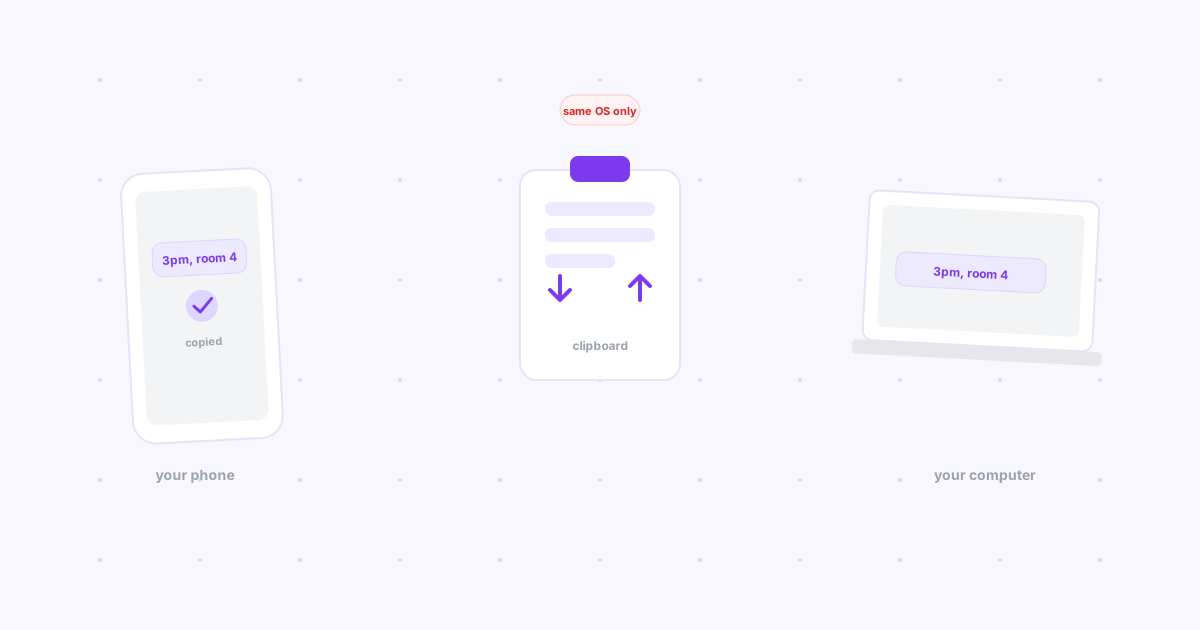
Built for a specific pairing — a Linux desktop and an Android phone — and it does far more than file transfer: notification mirroring, clipboard sync across devices, remote media control, and finding a misplaced phone by making it ring. If that's your actual device pair, nothing else on this list comes close on features.
The tradeoff is setup: a desktop applet plus the KDE Connect Android app, then a pairing step. Support for Windows, Mac, and iOS is limited or nonexistent — it was built Linux-first and it shows. For how that same clipboard-sync feature compares across Apple, Windows, and other pairings, see how to sync your clipboard between phone and computer.
Snapdrop
No install at all — open the site in a browser on each device and they appear to each other automatically via WebRTC, styled deliberately like AirDrop's sharing sheet. The tradeoff for that convenience is that it's less discoverable in a crowded network (coworking spaces, apartment buildings) since it relies on the same local broadcast mechanism as the others, and there's no companion app to keep a device "on" for repeat transfers — you open the tab each time.
The comparison at a glance
| LocalSend | KDE Connect | Snapdrop | |
|---|---|---|---|
| Install required | Yes, both devices | Yes, both devices | No — browser only |
| Platform breadth | Widest (5 platforms) | Narrowest (Linux/Android-first) | Any modern browser |
| Beyond file transfer | No | Yes — notifications, clipboard, media control | No |
| Best for | Mixed-platform households | Linux desktop + Android phone | One-off, no-install transfers |
The gap all three share
Every one of these depends on device discovery over a shared network, which means the moment your two devices aren't on the same Wi-Fi — a phone on mobile data, a laptop on a different connection, sending a file to your own device while you're out — none of them can help. That's a different problem from the one they're built to solve, and it's worth not forcing a local-network tool into a job it can't do. For that cross-network case, see how Knit and other options compare in our breakdown of the best AirDrop alternative for every platform, or the full landscape in transferring files over a local network (and when it's the wrong tool).
If you want the wider field beyond just these three, see 7 open source file sharing tools, honestly reviewed.