TL;DR: Emailing yourself a link or file feels instant, but it is not free — it is a round-trip through your inbox, and every inbox visit is a context switch. Research puts full refocus time after an interruption at over 23 minutes. A dedicated handoff tool skips the inbox entirely, which is the actual fix.
You're on your laptop. You find a link, a file, a screenshot you need on your phone. You hit compose, type your own email address, hit send, then pick up your phone and open Mail to grab it.
It takes maybe fifteen seconds. It feels free. It is not free — you just paid for it with your attention, and the bill comes due later.
What a "quick" self-email actually costs
The email itself is fast. The cost is everything wrapped around it: switching from whatever you were doing into Mail, typing your own address (again), and then — later — opening your inbox to retrieve it, which puts every other unread message in front of you at the same time.
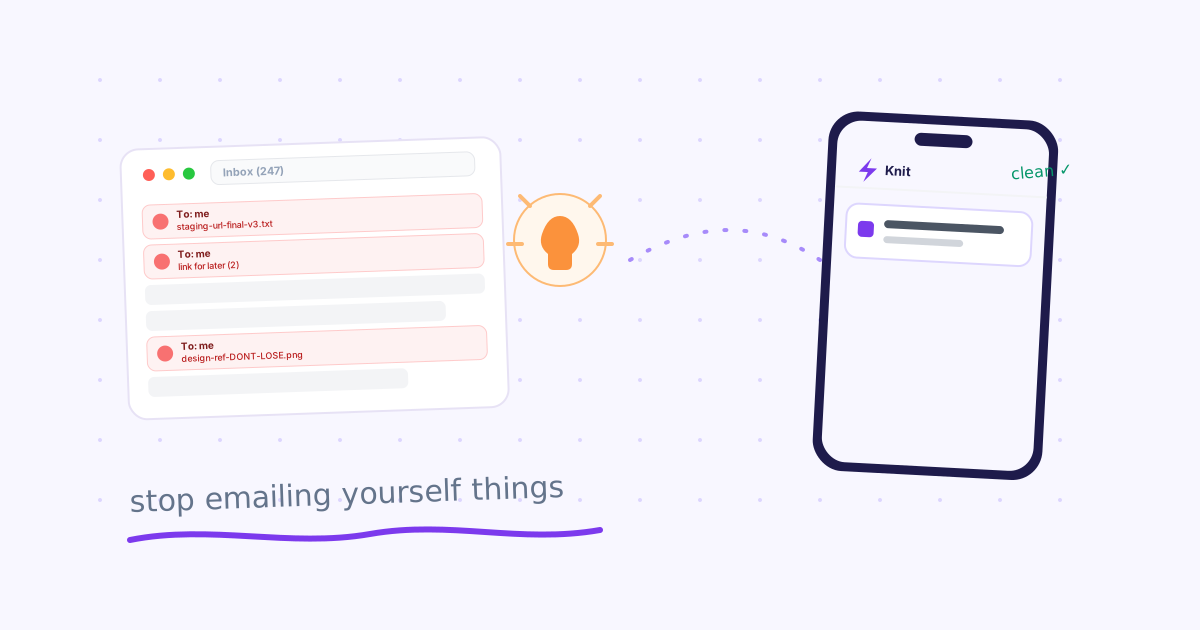
That last part is the expensive one. Pull up your own inbox right now and count how many "to: me" emails are sitting there next to real correspondence. Most people have a handful going back weeks — link, file, link, note, file — quietly mixed into the same stream as everything else demanding a reply.
Psychologist Gloria Mark's UC Irvine study, "The Cost of Interrupted Work: More Speed and Stress" (CHI 2008), found it takes people over 23 minutes on average to fully return to a task after an interruption — a widely cited finding in workplace-attention research since. A self-email is a small interruption, but it is rarely just one — it is a habit repeated several times a day, each one a tiny detour through your entire inbox.
Why the inbox is the wrong place for this
Email was built for correspondence — messages that need a reply, a thread, a record. A link you want on your phone in the next five minutes is none of those things. It doesn't need a subject line. It doesn't need to sit in "Sent" and "Inbox" simultaneously. It doesn't need to be searchable next to your actual work correspondence.
Using email as a device-to-device clipboard means:
- It never leaves. Self-sent emails accumulate forever unless you manually clean them out — nobody does.
- It has no expiry. A staging link from three months ago looks identical to one from this morning.
- It resurfaces everything else. Every trip to grab a self-sent link is a trip through your entire unread count.
What people switch to instead (and where each falls short)
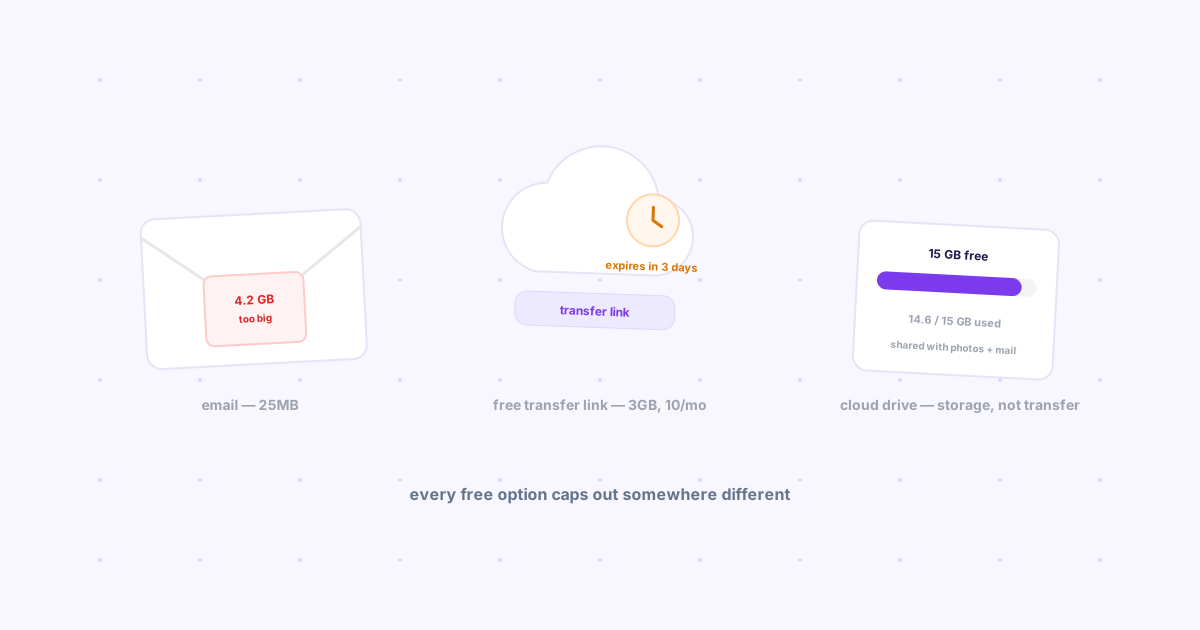
WhatsApp or Telegram "saved messages" — Faster than email, but still a chat log. Your link sits between real conversations within minutes, and there's no expiry or tagging. It is a workaround, not a purpose-built tool — see our full breakdown of every cross-platform file sharing method compared for how these stack up.
Notes apps — Open app, create note, paste, save, switch device, open app again, search for the right note. By the time you're done, you've lost the thread of what you were doing before you started.
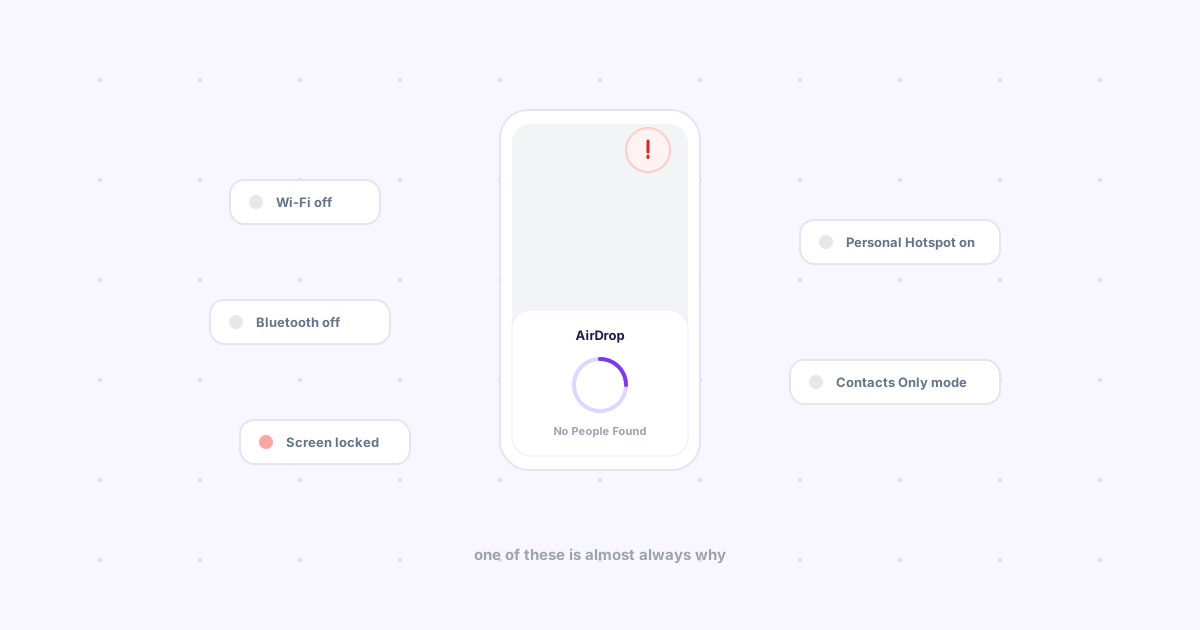
Local-network tools (LocalSend, KDE Connect, Snapdrop) — Genuinely fast once set up, but only work when both devices share the same Wi-Fi. Office desktop to home phone, or hotel Wi-Fi that isolates clients: dead end.
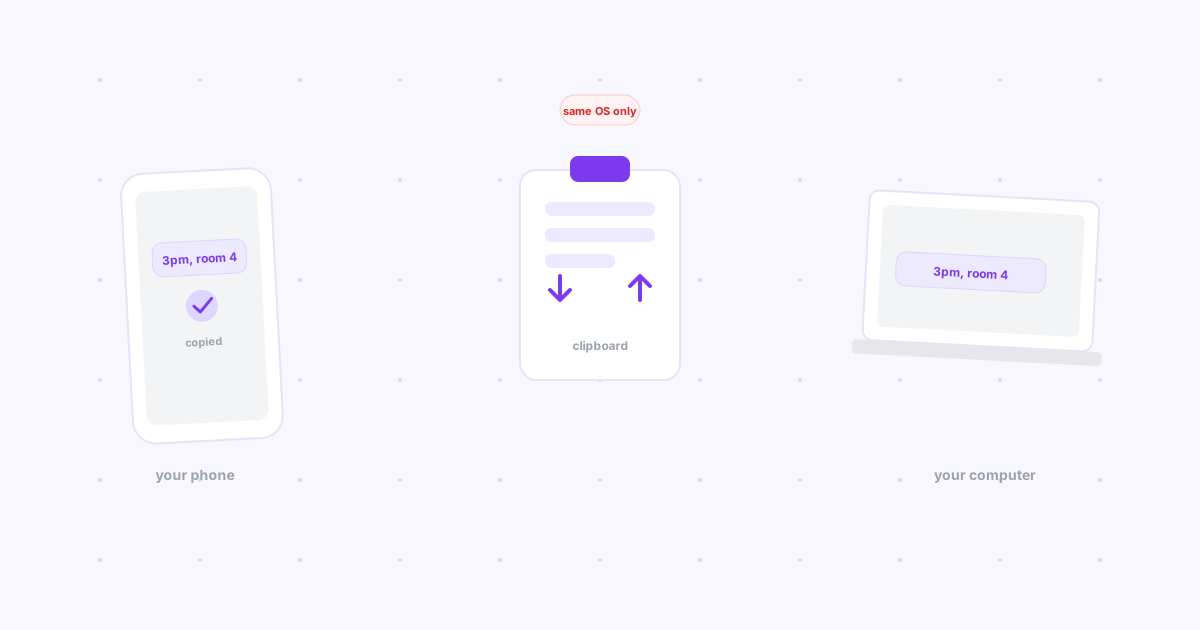
Copy-pasting instead of sending — If it's just text or a link rather than a file, this looks like the obvious shortcut, but it only works when your two devices already have a clipboard sync feature bridging them — most cross-platform pairings don't.
The actual fix: skip the inbox entirely
The fix isn't a faster way to email yourself — it's removing the inbox from the loop altogether. Knit is a free Chrome extension and web app that drops links, files, and notes onto your other devices directly, without touching a mail client.
Here's the actual flow:
- You're on any page in Chrome — click the Knit icon, hit Drop
- Pick up your phone, open Knit — it's already there
- Nothing to search for, nothing sitting next to your unread count
No inbox visit means no exposure to everything else waiting in it. That's the difference between a 15-second self-email and a genuinely free one-click handoff — see how it compares to the laptop-to-phone workflow most people default to.
A library, not an inbox — Save links you'll want again and tag them. Search from any device, without wading through actual correspondence.
Expiry built in — Set links to auto-expire from 1 hour to never. Nothing accumulates the way self-sent emails do.
Works across any OS or network — Chrome on Windows to Safari on iPhone, Android to Mac, over the internet — no shared Wi-Fi required.
The bottom line
The habit isn't the problem — moving things between your own devices is a real, constant need. The inbox is the problem: it turns a two-second handoff into a detour through everything else you're trying not to think about right now.
If your inbox has a "to: me" trail going back weeks, Knit was built to replace it. It takes ten seconds to install and skips the inbox for good.