TL;DR: A NAS or Samba box gives full data ownership, but you become the sysadmin — backups, updates, and remote access are now your job. Cloud storage (Drive, Dropbox) removes the maintenance but adds a monthly fee and sync overhead. For moving one file between your own devices, both are overkill: a lightweight transfer tool does the actual job for free.
Every solo developer eventually stares at the same fork in the road: "should I finally set up a proper file server, or just pay for cloud storage?" It usually happens right after a file transfer goes sideways — the third emailed-to-yourself zip of the day, or a USB stick that's in the wrong bag.
I've run both. Here's the honest accounting, including the option nobody puts in these comparisons: that for a lot of solo workflows, the right answer is neither.
What a local file server actually costs you
A NAS (Synology, TrueNAS, a Raspberry Pi with Samba — the flavor doesn't matter much) buys you real things: your data on your hardware, no subscription, LAN-speed transfers, and no third party in the loop.
What the spec sheets don't list is the second job you just hired yourself for:
- You are now the sysadmin. OS updates, disk health monitoring, SMART warnings you'll ignore until one matters.
- Backups are still on you. A file server is not a backup — a dead drive in a RAID you never scrubbed is data loss with extra steps.
- Remote access is a project. The moment you want that file away from home, you're into port forwarding, Tailscale or WireGuard, dynamic DNS — solvable, but every layer is one more thing that breaks silently. We covered the same wall in transferring files over a local network: local tools are great locally, and stop at your router.
- The phone experience is an afterthought. SMB from iOS or Android in a browser is nobody's happy path.
Worth it if: you're hoarding large media, building a homelab on purpose, or genuinely enjoy the tinkering. That's a real reason — just be honest that it's the hobby paying you, not the efficiency.
What cloud sharing actually costs you
Dropbox, Google Drive, OneDrive: the pitch is that the maintenance disappears. It mostly does — and gets replaced by different line items:
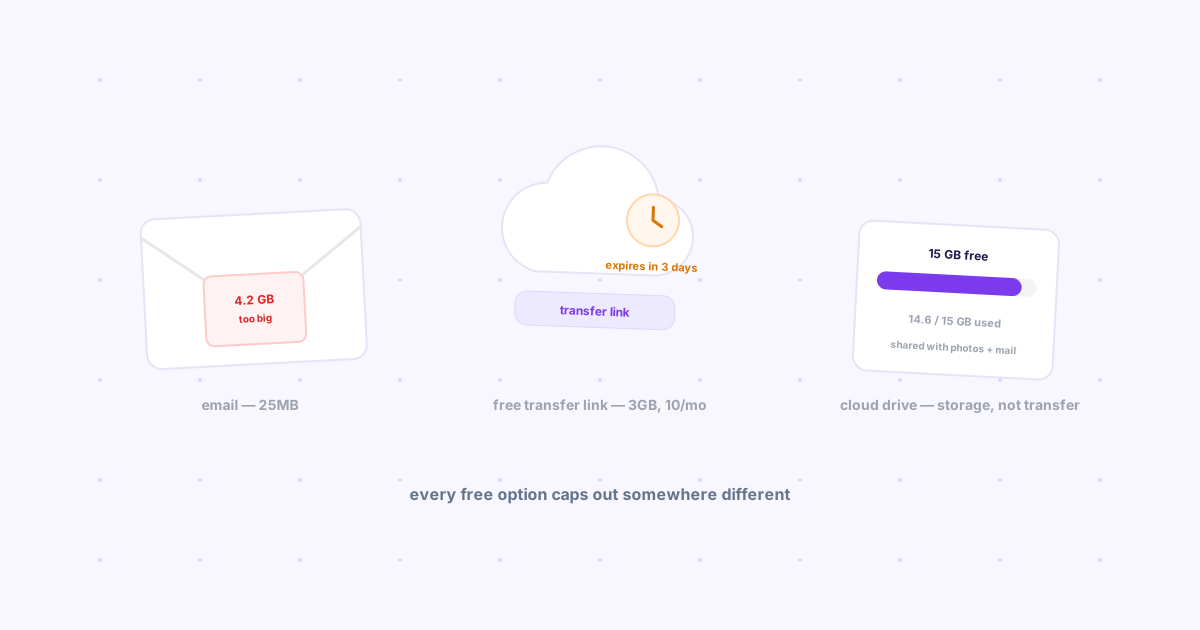
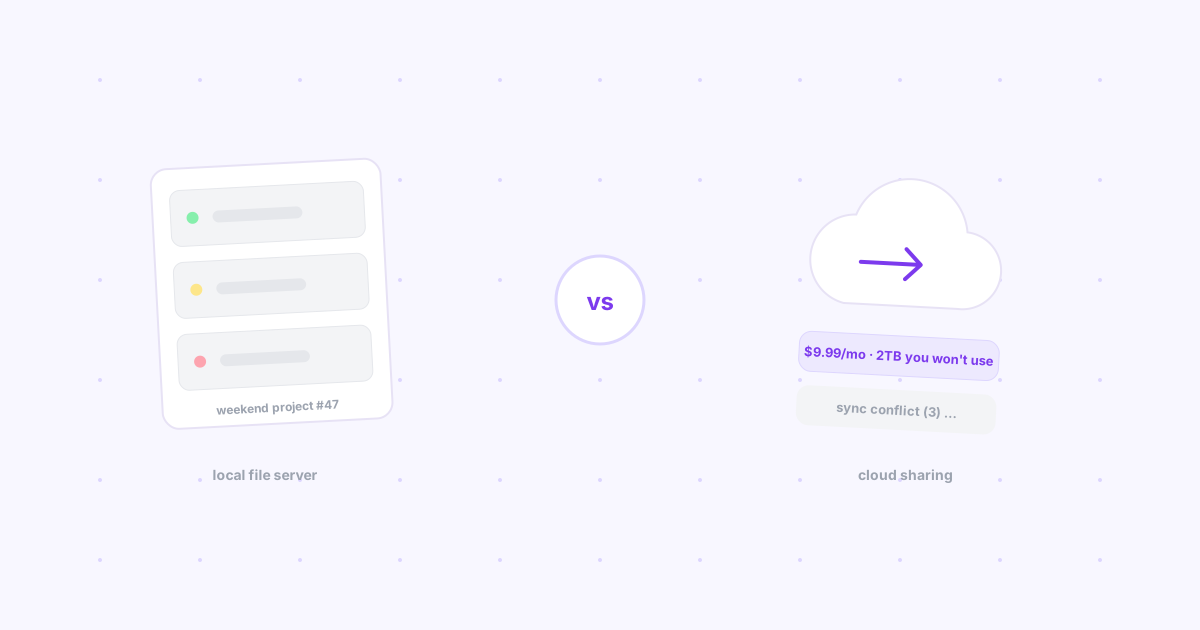
- The subscription ratchet. Free tiers are marketing; the real product is $8–12/month for terabytes a solo dev rarely uses — Google One's 2TB plan lists at $9.99/month, Dropbox's comparable tier runs similar. It's the gym membership of storage.
- Sync is not transfer. Cloud drives want to mirror folders continuously. That's the source of conflicted copies, a laptop uploading 40GB the night before a deadline, and
node_modulesaccidentally syncing until you remember the ignore rules. - Sharing friction with yourself. Getting one file to your own phone still means: upload (or wait for sync), open the app, find the file, download. It works. It's also five steps for a ten-second job.
- Your files live in someone's business model. Fine for most things; worth remembering for the rest.
Worth it if: you need durable storage, version history, and collaboration with other humans. That's what it's actually built for — as we found when comparing every cross-platform sharing method, cloud drives win the "storage" column and lose the "quick handoff" column.
The mismatch nobody names
Here's the thing both camps quietly assume: that storing files and moving files are the same problem. They aren't.
A file server is a warehouse you maintain. A cloud drive is a warehouse you rent. But the actual moment that sent you down this rabbit hole was a courier problem: "this build, this PDF, this APK — from here to there, now."
For that job, both options are heavy. The lightweight answer is a transfer tool:
- LocalSend or PairDrop when both devices are on your WiFi — free, open source, no account.
- Knit when they aren't — it moves links, notes, and files up to 25MB between your devices over the internet, using one Google sign-in on both ends. No server to patch, no sync engine, no monthly fee. It deliberately doesn't try to be your storage: drops can auto-expire, and the library keeps only what you choose to keep.
The actual decision table
| Your real need | Right tool | Wrong-but-common choice |
|---|---|---|
| Archive TBs of media, own everything | NAS / local server | Paying for 2TB cloud forever |
| Backup + version history + sharing with others | Cloud drive | A RAID box you never test-restore |
| Move one file to your own phone, now | Transfer tool (LocalSend, Knit) | Either of the above |
| Test a build/APK on real devices | Transfer tool | Emailing yourself, again |
| All of the above | Cloud for storage + transfer tool for handoffs | One tool forced to do both jobs |
Frequently asked questions
Is a local file server worth it for one person?
Usually only if you enjoy running it. A NAS or Samba box gives you full ownership and no subscription, but you become the sysadmin: updates, backups, drive failures, and remote-access networking are all your job. For pure file handoffs between your own devices, lighter tools cover most of the need with none of the maintenance.
Is cloud storage overkill for moving files between my own devices?
Often, yes. Services like Dropbox and Google Drive are built for storage and collaboration — syncing everything, forever, across machines. If your actual need is "get this file from my PC to my phone right now," you are paying (in money or sync overhead) for a warehouse when you needed a courier.
What should a solo dev use instead of a file server for quick transfers?
For one-off handoffs between your own devices, a transfer tool beats both a server and a cloud drive: LocalSend if both devices share your WiFi, or a web-based tool like Knit when they don't. Keep a cloud drive for backup and long-term storage — a different job.
The bottom line
Run a server if the server is the hobby. Pay for cloud if you need a durable archive and version history. But if what actually keeps happening is "file, here, phone, now" — stop solving it with warehouses. A courier is smaller, free, and already in your browser. For what this looks like running across a whole multi-OS setup day to day, see my actual file sharing setup: one person, five devices, zero cables.