TL;DR: Five devices, four different operating systems, and no single built-in tool covers all of them — AirDrop stops at Apple hardware, LocalSend needs shared WiFi, cloud drives sync everything instead of sending one file. The fix that actually stuck was one cross-platform transfer tool instead of a different workaround per device pair.
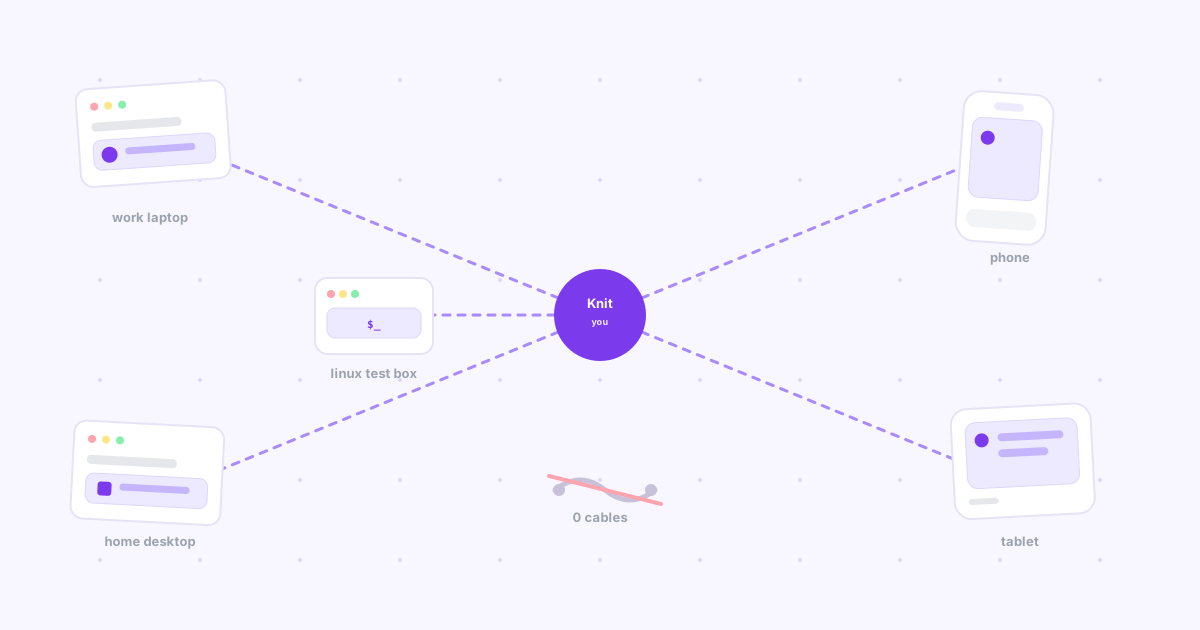
I own, in no particular order: a work MacBook Air, a Windows desktop at home, a Linux mini PC I use for testing builds, an iPhone, and an iPad. That's three operating systems and five endpoints, and at some point in most days a file, link, or screenshot on one of them needs to end up on another.
For a long time my "system" was actually five separate systems, one per device pair, and I paid for that in small daily friction until I finally consolidated it into one.
The devices, and why no single built-in tool covers them
Here's the honest matrix — every native option I already had access to, and where each one stops working:
| Device pair | Native option | Where it breaks |
|---|---|---|
| MacBook → iPhone/iPad | AirDrop | Works great — but only because both ends are Apple |
| MacBook → Windows desktop | None built in | AirDrop doesn't exist outside Apple hardware |
| Windows desktop → Linux box | LocalSend | Only if both are on the same WiFi at the same time |
| Any device → phone, off WiFi | Email to self | Works everywhere, costs a context switch every time — we measured this in why send-to-self is costing you focus |
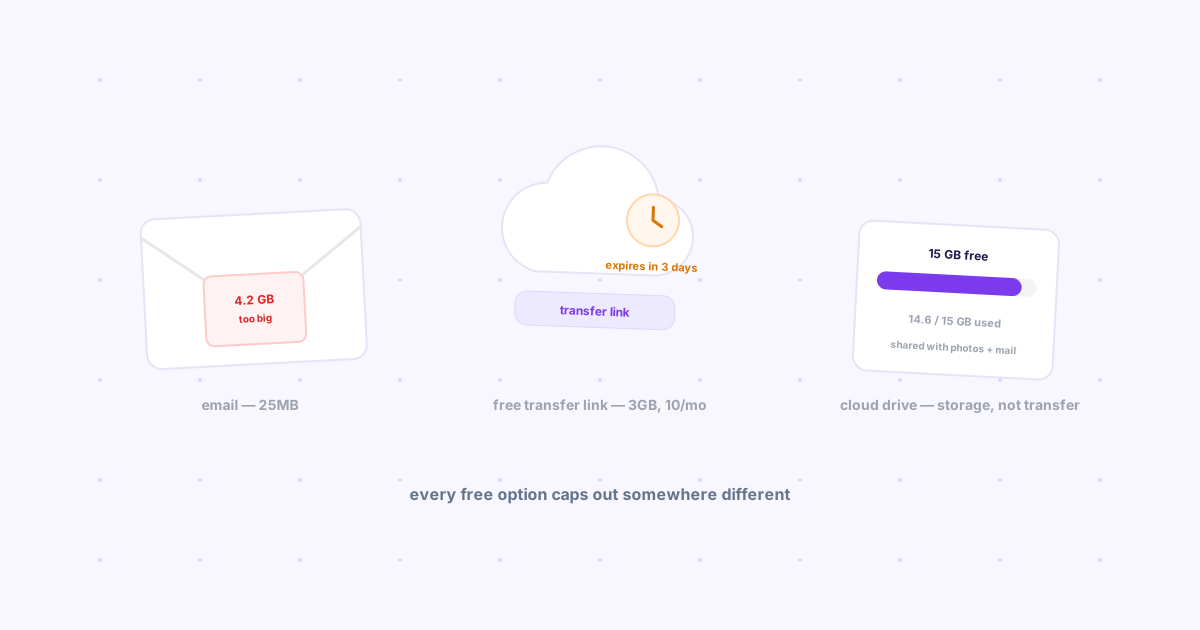
| Any device → any device | Cloud drive (Drive, Dropbox) | Built for continuous sync, not a single one-off handoff |
No cell in that table covers every row. That's the actual problem — not that each option is bad on its own, but that none of them is the same answer for all five devices.
What I tried first, and where each one broke
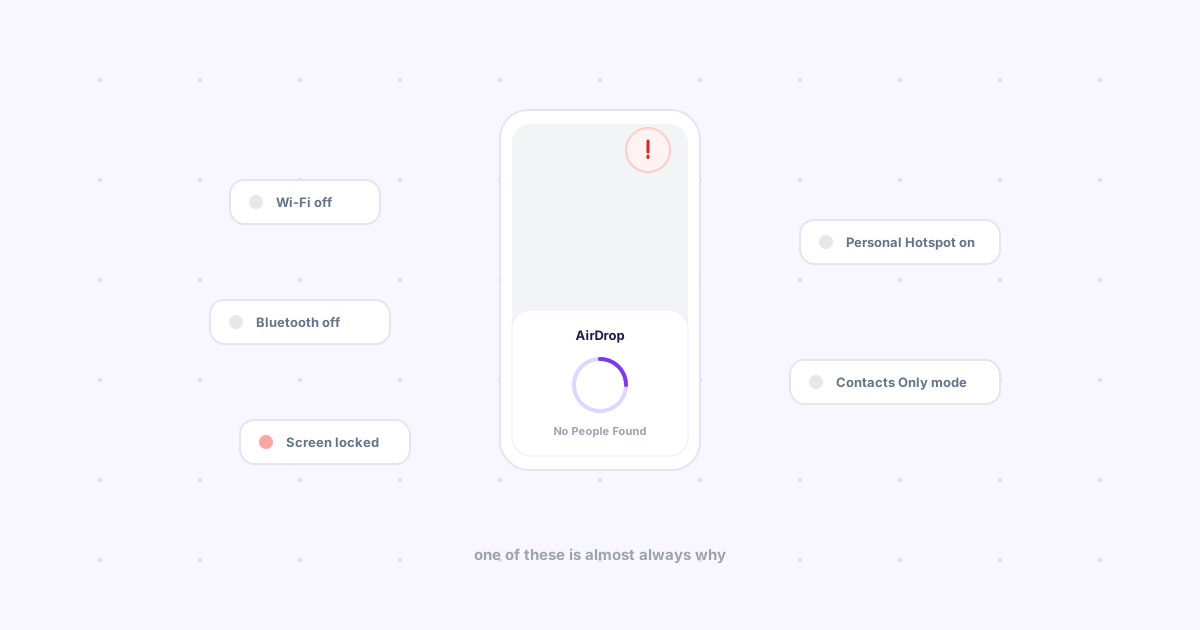
AirDrop covers exactly one edge of my setup: MacBook to iPhone or iPad. The instant it's the Linux box or the Windows desktop, it doesn't exist as an option — it isn't slow or unreliable there, it simply isn't present.
LocalSend is genuinely good, and free, and open source. The catch is the same-WiFi requirement: fine at home, useless the moment the MacBook is on a client's guest network and the phone is on cellular. We compared it against the other local-transfer tools in LocalSend vs KDE Connect vs Snapdrop — all three share this one limitation.
Emailing myself works from literally anywhere, which is exactly why it became the default fallback for the pairs nothing else covered. The cost wasn't the email — it was reopening my own inbox five times a day and getting pulled into everything else waiting there.
A cloud drive solved the "any device to any device" problem, technically — but a synced folder is the wrong shape for a single file. I didn't want every device mirroring a folder forever; I wanted one thing to move once. That mismatch is the same one we dug into in local file server vs. cloud sharing for solo use.
What the setup actually is now
One tool, installed everywhere: Knit on the MacBook as a Chrome extension, the same extension on the Windows desktop, the web app open in a pinned tab on the Linux box, and the mobile web app on the phone and iPad. Same account, same sign-in, all five devices.
The flow is identical regardless of which two devices are involved:
- On the sending device, drop the file, link, or note into Knit
- Pick up any other device, open Knit — it's already there
- Nothing to configure per device pair, no WiFi requirement, no inbox involved
One mental model instead of five. I stopped asking "which tool handles MacBook-to-Linux again?" There's one answer for every pair.
Works off the home network. The MacBook on a coffee shop connection and the Linux box at home can still hand off a file — Knit runs over the internet, not the local segment.
Nothing accumulates. Drops can expire from an hour to never, so this setup doesn't quietly turn into another inbox or another folder full of stale files.
A day this setup actually covers
Test build finishes on the Linux box → drop the APK into Knit → install it on the phone two seconds later. Screenshot on the iPad during a meeting → same drop, now on the MacBook for the follow-up email. End of day, a link from the Windows desktop → phone, for reading on the couch. Three different device pairs, one identical action each time.
The bottom line
Five devices and three operating systems don't need five workarounds — they need one tool that doesn't care which OS is on either end. If your setup is still AirDrop-for-some, LocalSend-for-others, email-for-the-rest, Knit collapses all three into one flow, free, in about ten seconds to install.